
Productlane changelog
Docs
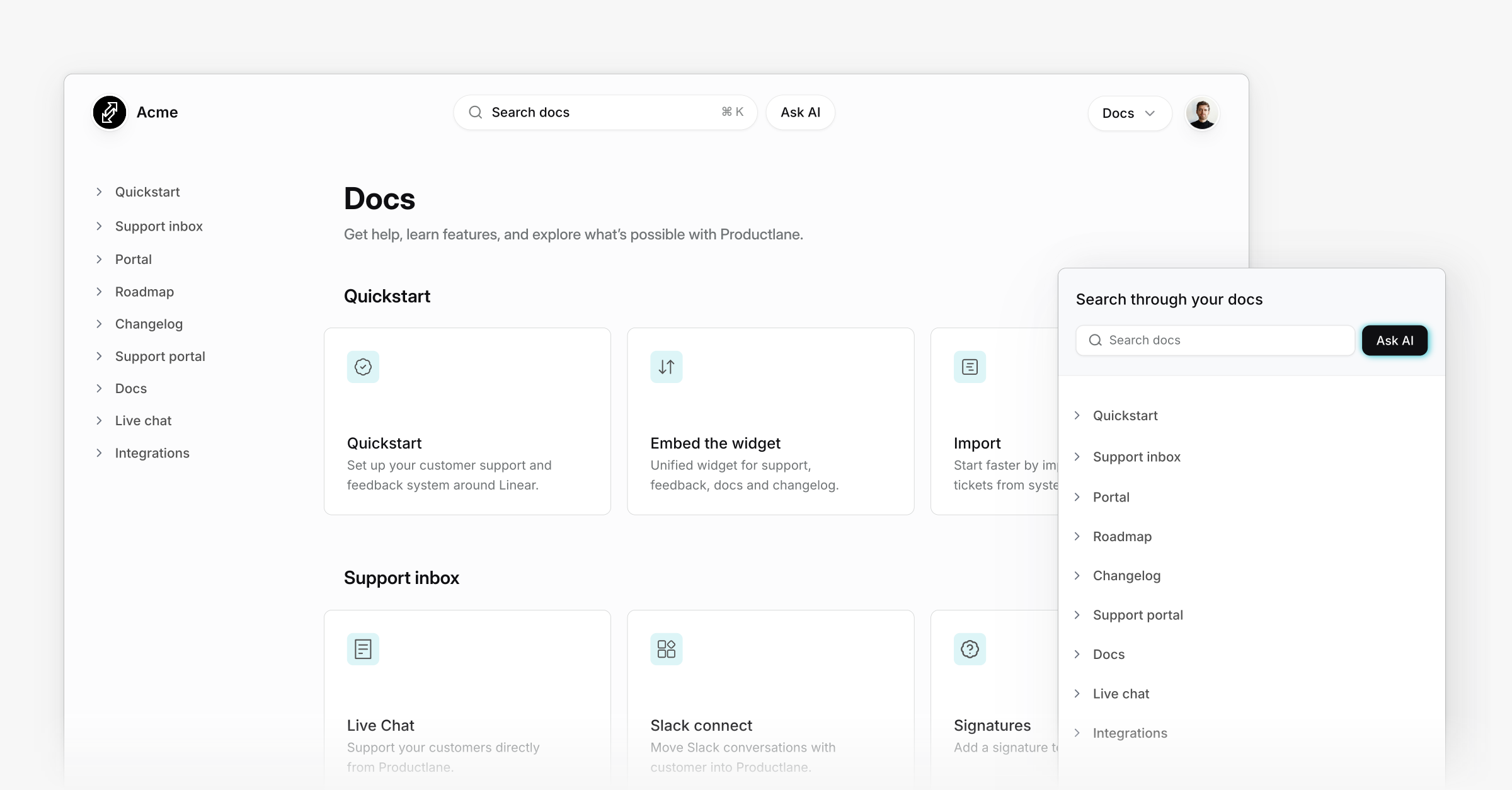
Introducing Docs
Help center, knowledge base, or guide. There are many names for content that helps users. We just call it Docs, and they are AI native, easy to maintain, and beautiful out of the box. We're excited to release them today.
We designed Productlane Docs to help you update them easily and make them look great at the same time, without needing a designer or engineer. They are only a few clicks away from a customer conversation and come with AI chat and a weekly report of all customer questions, so you can improve them continually.
Maintainable and beautiful out of the box
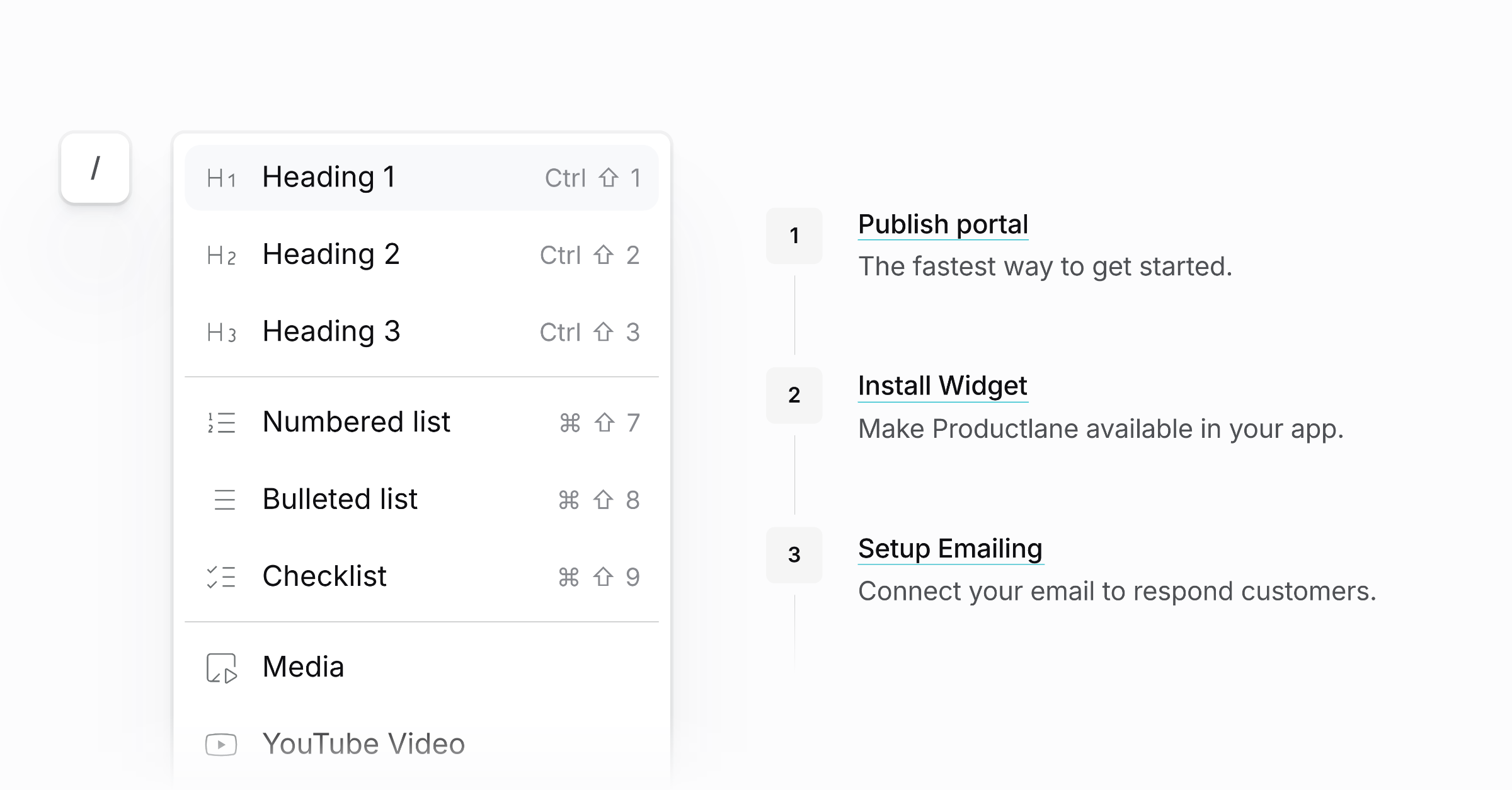
Docs are designed to help you format content beautifully without spending much time. Bullets get your theme accent color, images are always in the right format, and numbered lists are automatically turned into beautiful step-by-step guides.
Loom integration: Loom links will auto-expand into an embedded video.
Code blocks: Display clean, readable code with syntax highlighting.
Step lists: Numbered lists automatically turn into beautiful step-by-step guides.
Dividers: Separate sections for better readability.
Tables: Present information in a clear, organized grid.
Embedded in your widget
Open articles right in your app inside the widget. Customers get answers without leaving and can talk with your docs through an AI Chat, which we're releasing into beta today.
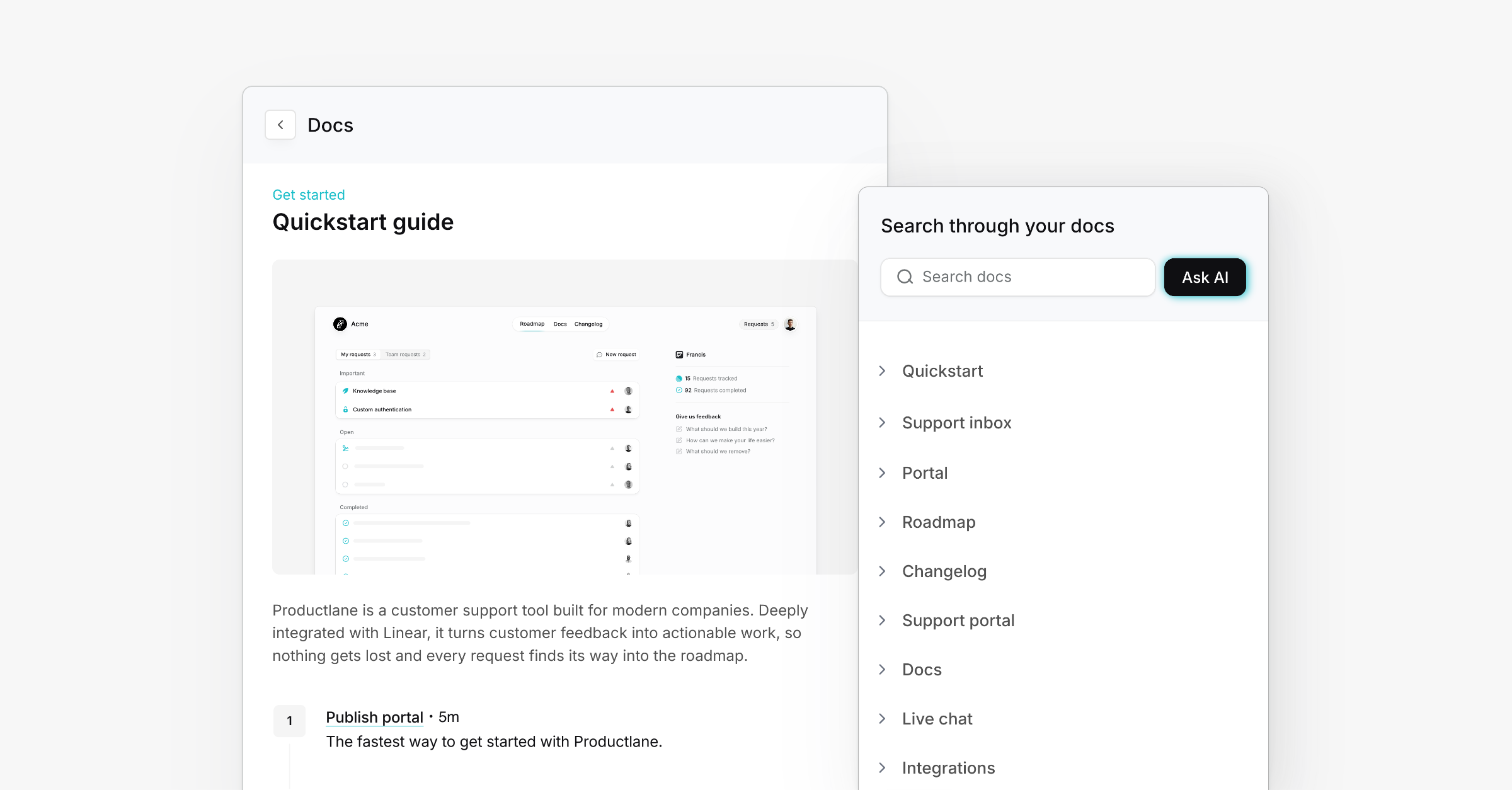
Integrated AI Chat
The docs are engineered to work perfectly together with AI. Source citations open right in the chat, and you get a weekly report of all asked questions to improve your docs. It's available in private beta from today, and you can sign up here for an invite.
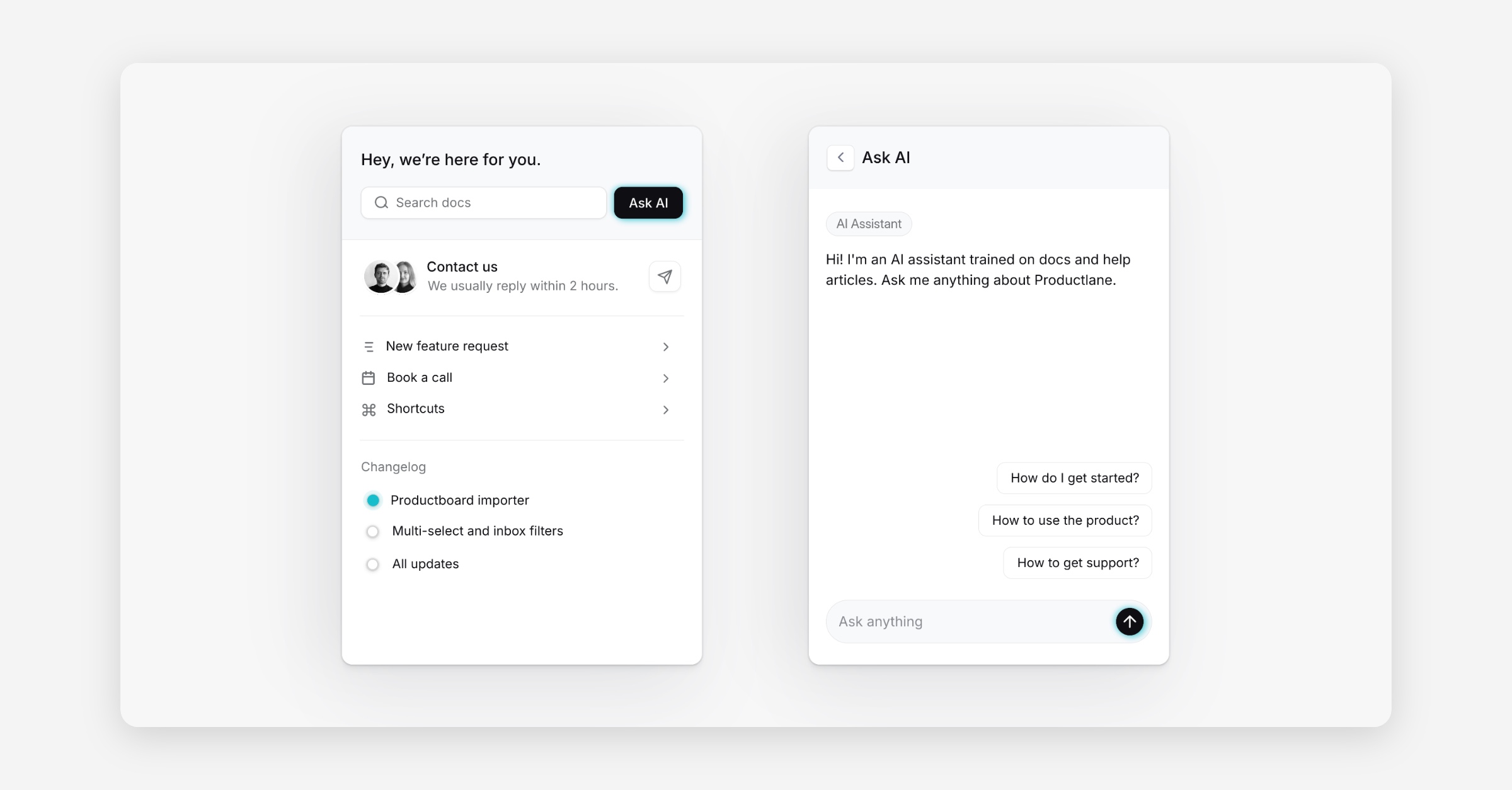
Weekly AI improvement report
Questions that your customers ask in the AI Chat will be summarized in a weekly report as a new thread, helping to improve your docs as well as your product. You can open a doc article from the report or link a product improvement to Linear with a few clicks.
More improvements this month
Google Analytics integration
You can use Google Analytics to track visitors on your roadmap, Changelog, and Docs. Just head to the settings and add your Google tag ID.
Issues inside projects on the portal
We now display issues on the portal inside its project and calculate the requests of the issues in its project.
Toggle to show issue descriptions
You can now enable that issue descriptions are visible by default on the portal. If it’s turned off, you can still use the Productlane-only descriptions.
Edit issues and projects inline
You can now change the issue status and project icon directly from the user conversation. You can also change the title, description, and status easily when opening the issue or project.
We improved the widget design and added an
Enable/disable ()functionWe also updated the widget styling to make highlight colors easier to understand and work with. The variables
--text-color-highlightand--text-color-highlight-darkhave been renamed to--accent-colorand--accent-color-darkfor better clarity and more intuitive usage across the design system.We redesigned and rebuilt the in-app notifications
You can now make completed issues and projects visible on the portal
The email login is now more visible on the portal
Fixed overflowing attached files on the portal
Completed issues of closed projects are now shown on the roadmap
Added an option to show the Linear issue description on the roadmap
Made thread title editable for all sources
If Slack messages are deleted, they are now also deleted in Productlane
The Slack integration now sees bot messages
Fixed the wrong favicon being shown on customer portals
You can now filter imported issues from the selector and import completed issues
Improved grouping and scannability of the inbox