Productlane changelog
Cursor integration
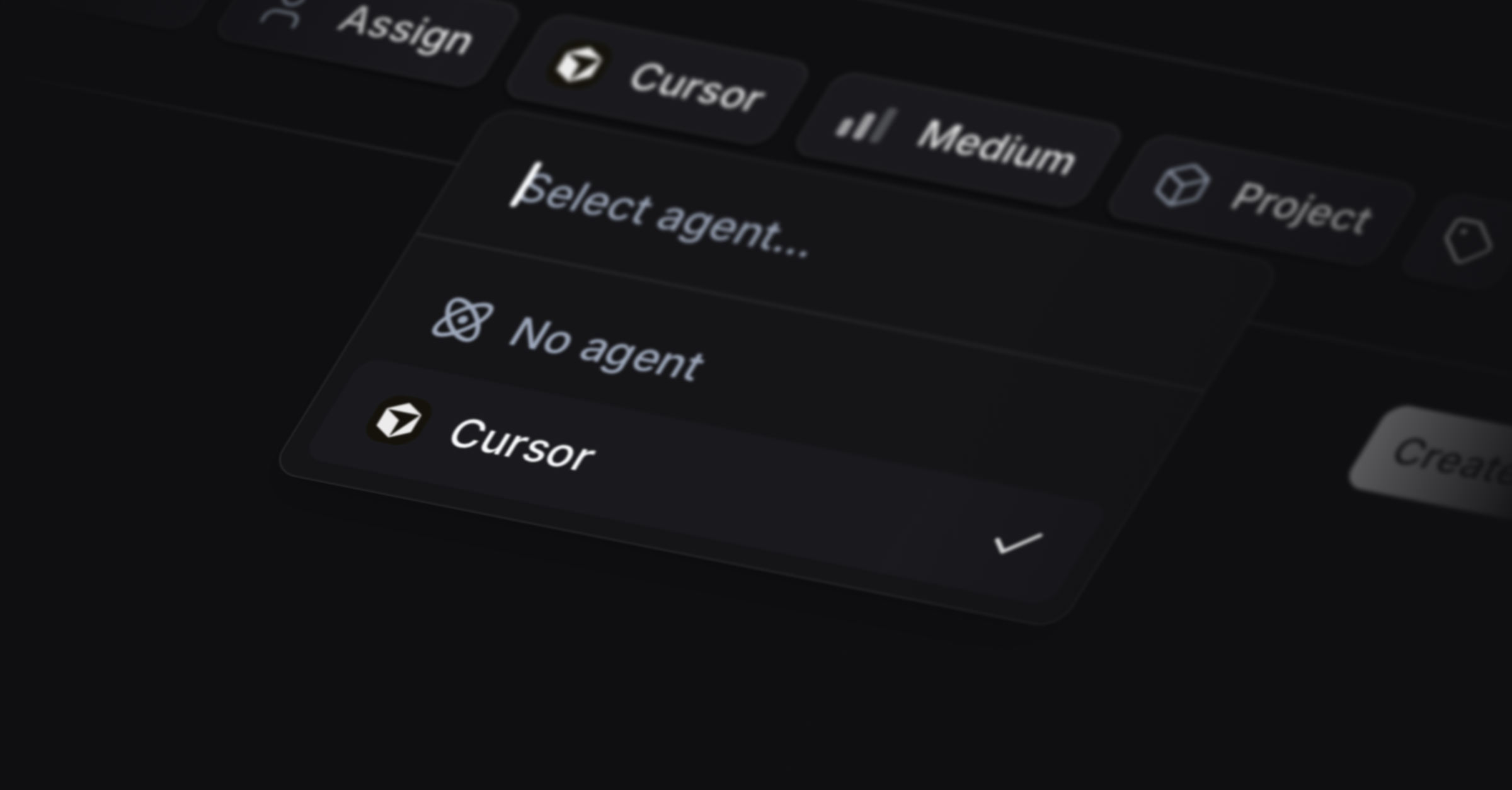
We’re excited to launch our Cursor integration. When a customer writes through the Live Chat or portal, Productlane now auto-creates a Linear issue and assigns it to Cursor. This gets you a pull request already waiting to be merged as soon as you get back to a customer.
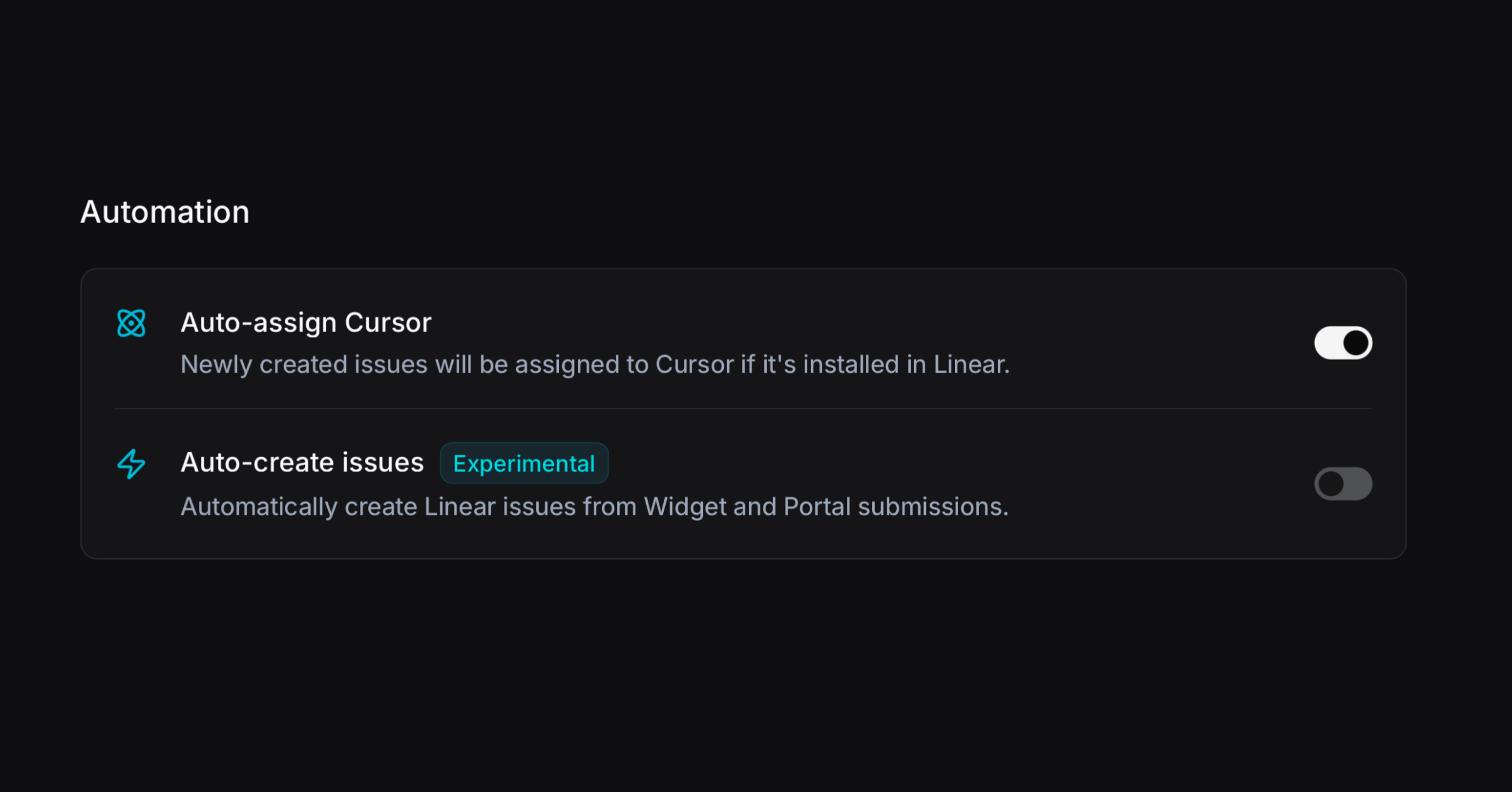
Go to Settings → Linear and turn on Auto-assign Cursor. You can go one step further and activate that every message from the portal and widget auto-creates a Linear issue. We recommend this only for smaller teams with lower support volume.
Customer Request Reporting
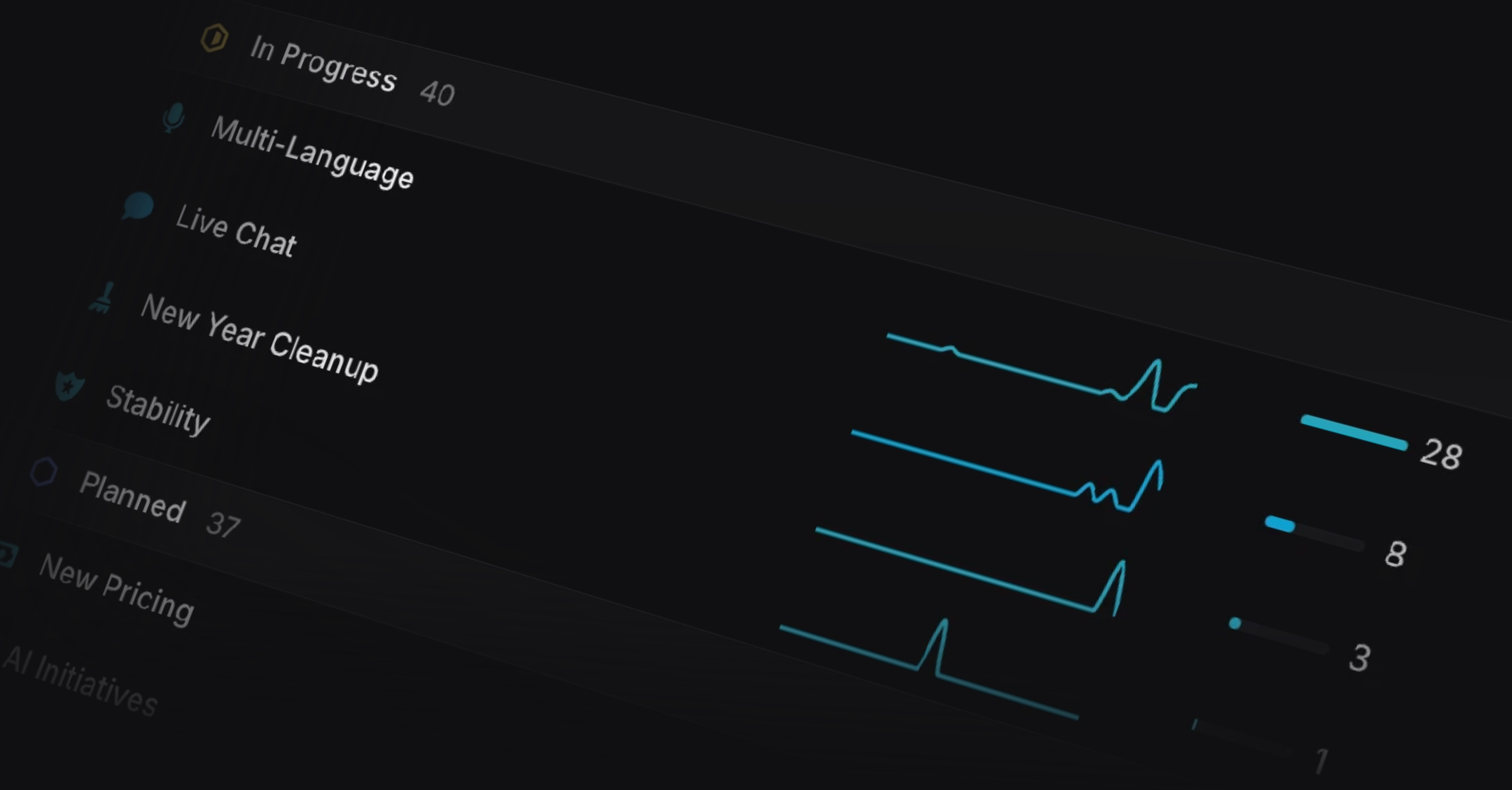
You can now view customer requests for Linear projects and issues over time, to see which requests come up every week versus what spiked recently. This even works for customer requests not created in Productlane, just hit CMD+K → Sync Linear to bring them all over.
Improved support inbox
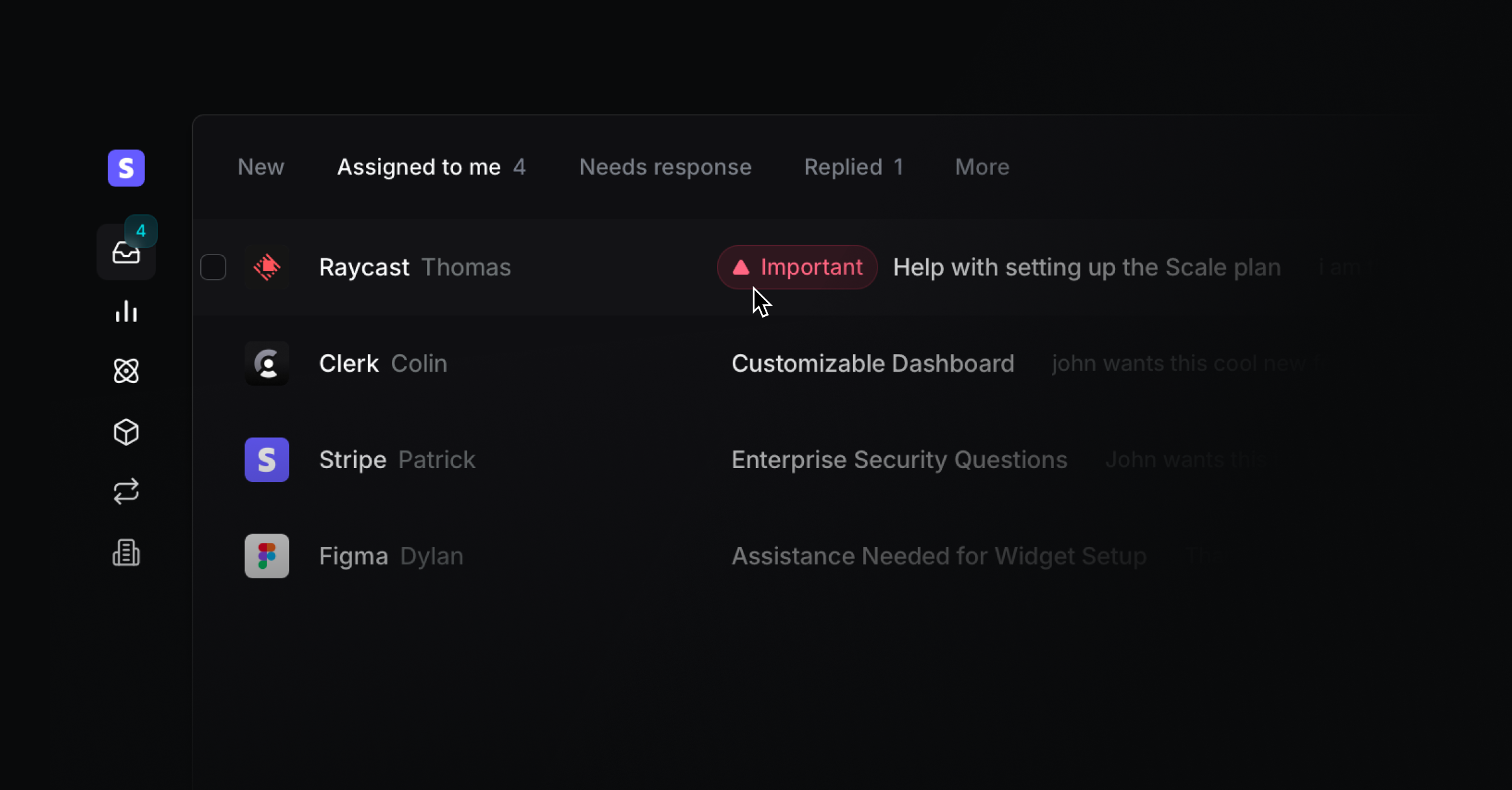
We improved the readability and flow of the support inbox. You can now spot urgent or overdue conversations faster, and view the most recently completed Linear issue title immediately to help you follow up. We removed the closed loop tab and moved those conversations into the other inboxes, and we changed the “All” tab into “Replied” to help you spot waiting conversations faster.
Feedback portal beta status
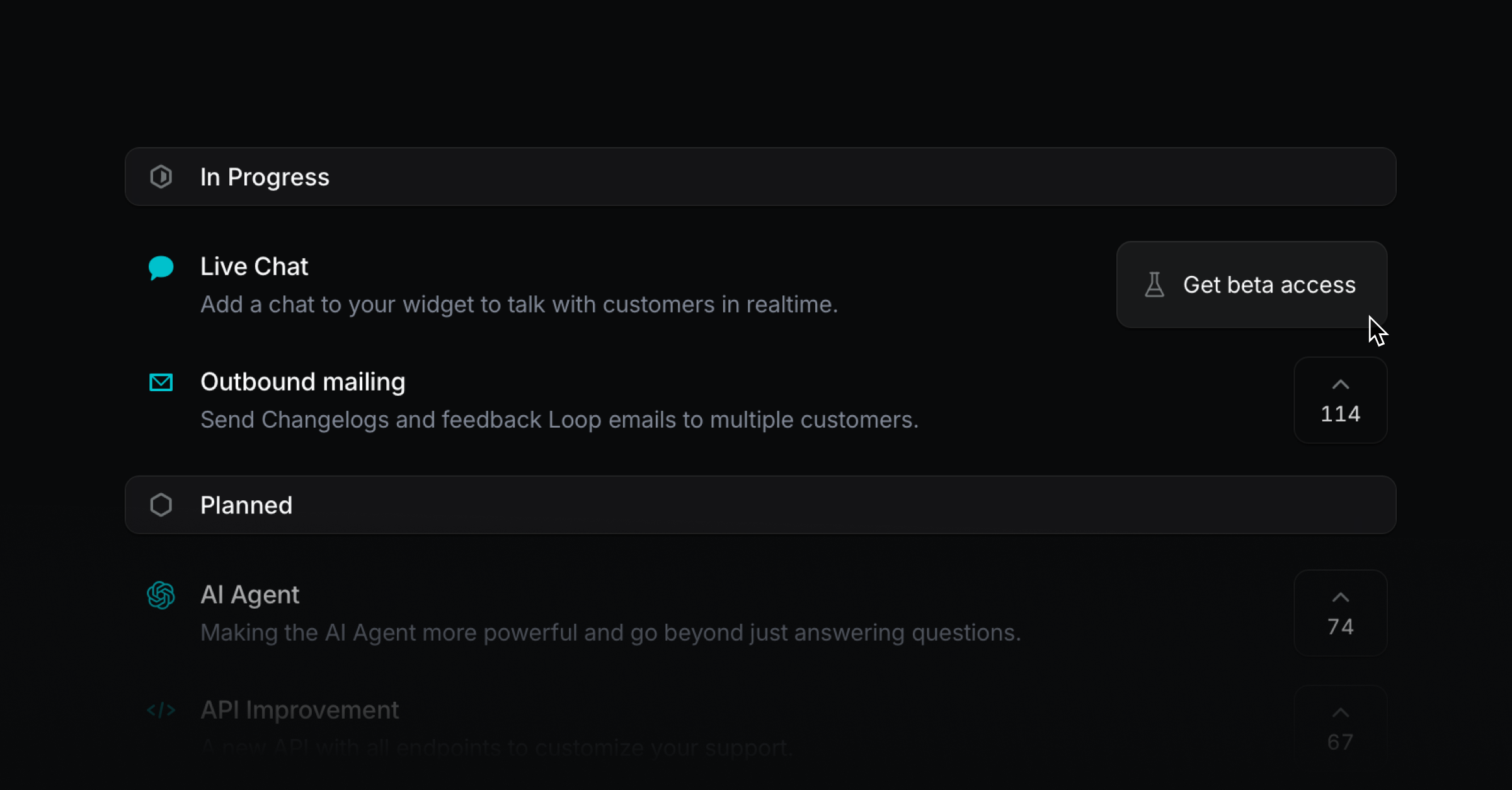
You can now turn the upvote button on your feedback portal into a “Get beta access” button so customers can request access easily. Clicking it creates a message from that user that you can answer manually or automate via the API. Just open a Linear project in Productlane and press the “Beta” switch to make that button appear.
Upvote context
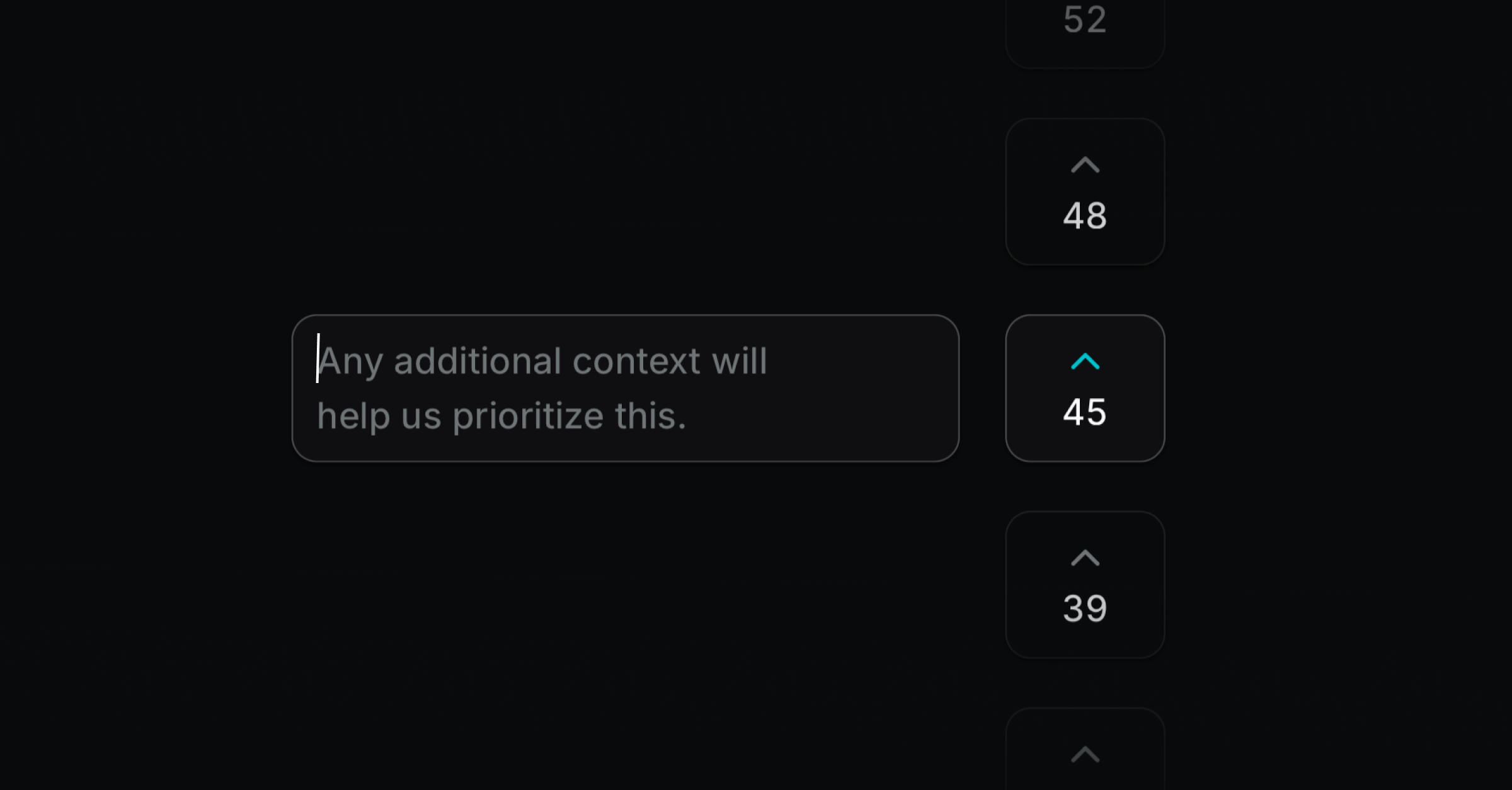
Written feedback is more valuable than a simple upvote. After users upvote on the feedback portal, they now see an input field to add context. We also made the portal animations feel smoother.
Email blocklist
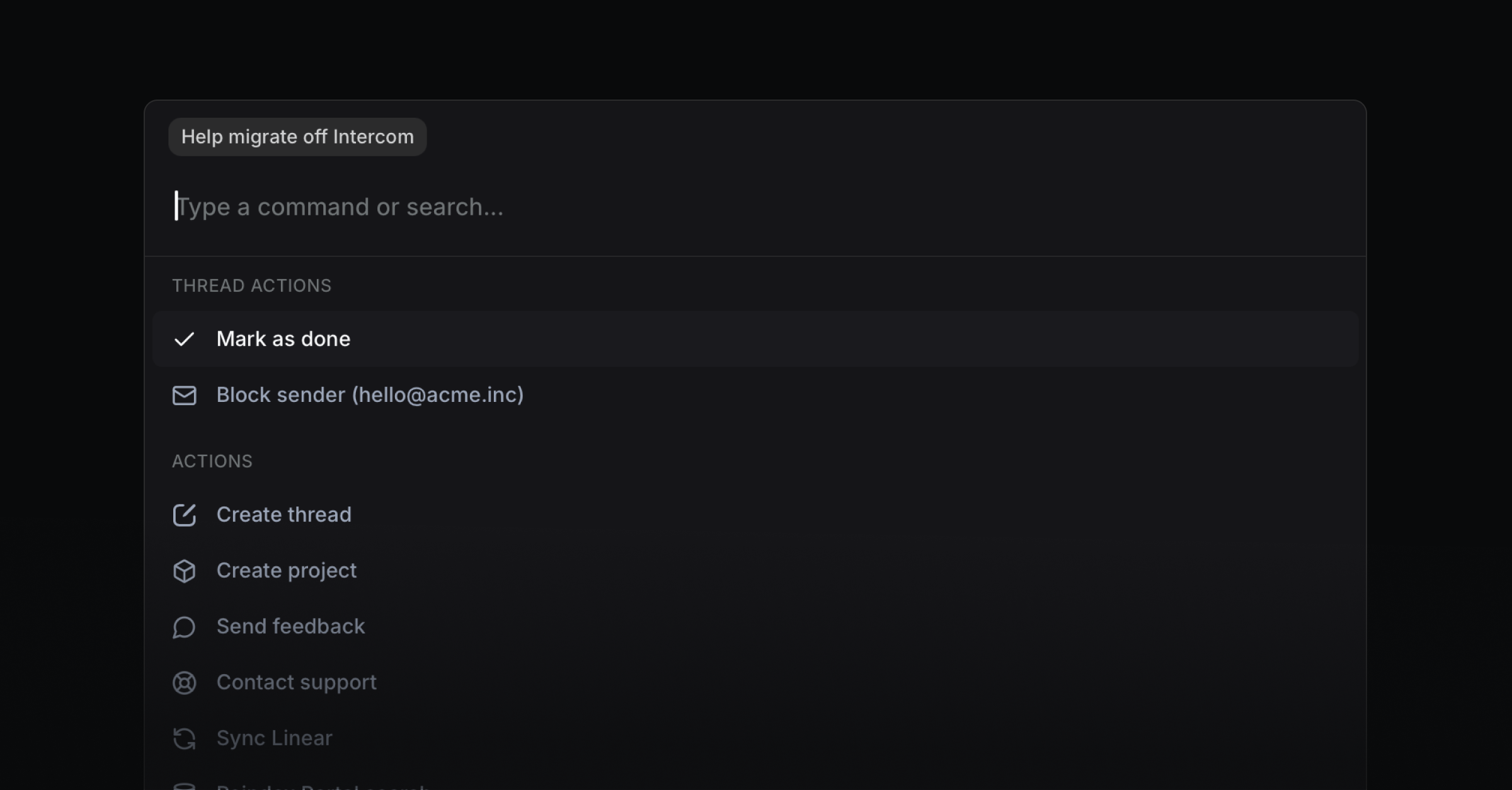
You can now use CMD K on a conversation to block a user or mark a thread as done. Go to Settings → Shared email to manage the email blocklist.
Changelog and Docs versioning
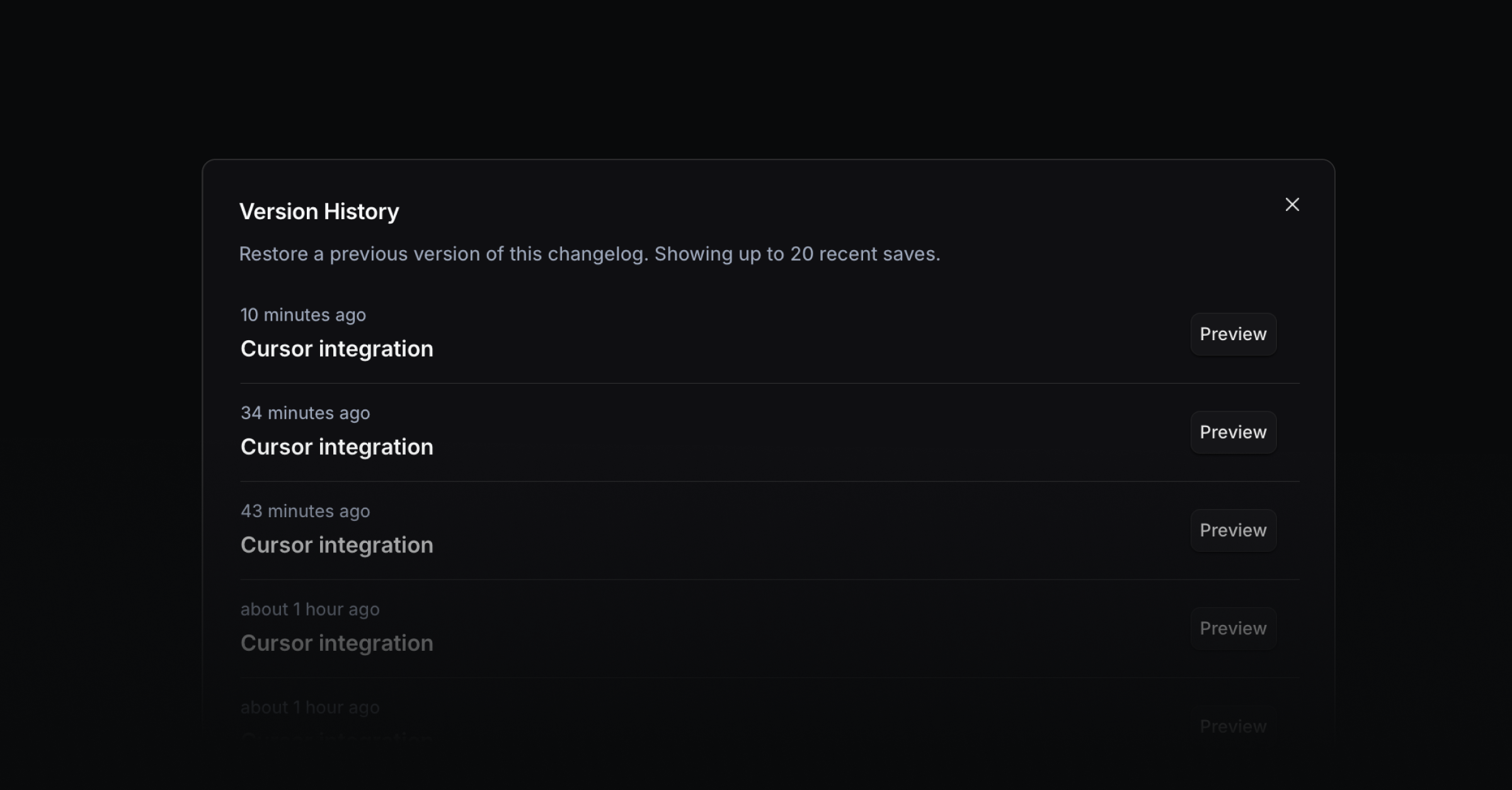
Recover earlier drafts of Changelog or help center entries with version history. Just use the three-dot menu in the top right to view auto-saved versions and restore one.