
Productlane changelog
Email and Slack broadcasts
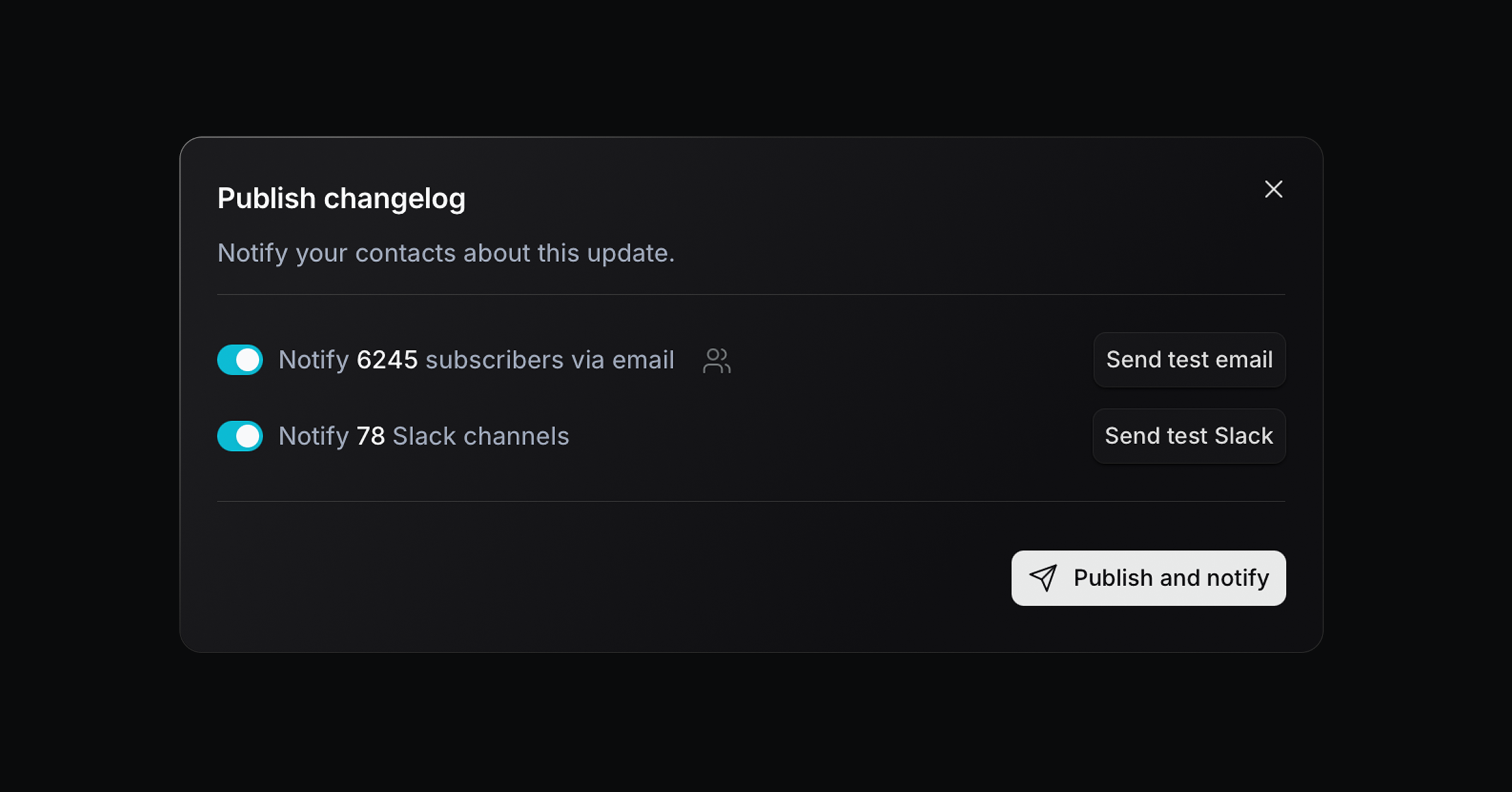
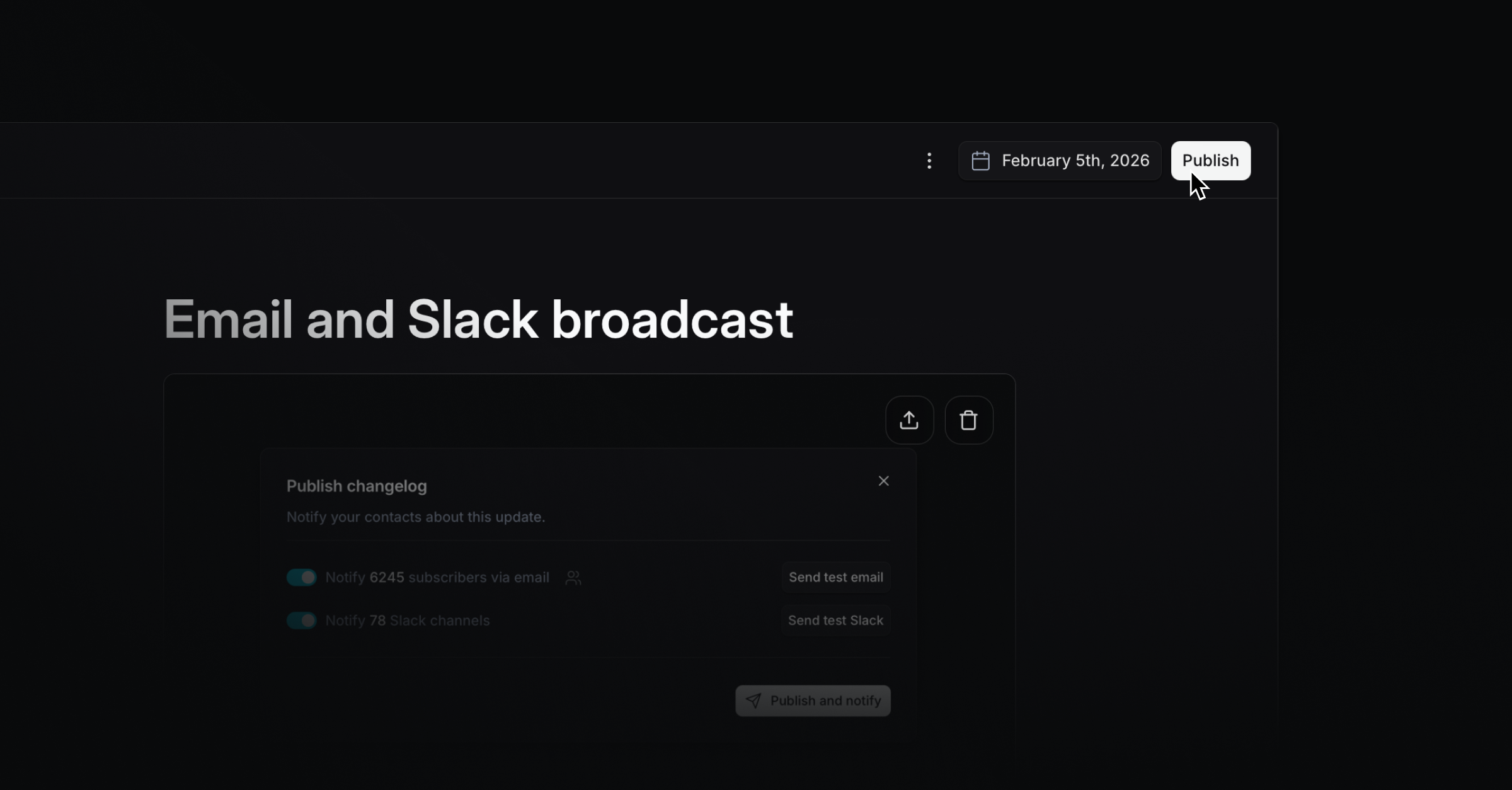
We’re excited to launch a major new feature this week. Email and Slack broadcasts help you follow up on support requests at scale and share Changelog updates with beautiful formatting.
Slack broadcast
Send changelog updates to all customer Slack Connect channels where the Productlane Slackbot is installed for a more personal way to stay in touch with customers. Together with the AI changelog generation, this is now the fastest way from closing a Linear issue to informing customers.
Email broadcast
Send emails directly from Productlane when updating an issue, project, or publishing a Changelog. Notify everyone who provided feedback or upvoted, or email the entire workspace. Emails are sent from your connected support address, and users can unsubscribe from broadcasts at any time. Just start by clicking Publish on the Changelog or Send update on project and issue details.
Opus 4.6 upgrade for the support agent
We upgraded our support agents’ model to Opus 4.6 to deliver more consistent responses, interpret detailed customer queries more accurately, synthesize longer conversation histories, and handle multi-stage problem-solving better. It should also make the chat significantly faster.
Improvements and fixes
Feature: Office hours for live chat
Interface: Widget and Settings UI improvements for faster navigation
Live Chat: Auto-email live chat messages to provide transcripts to participants
Performance: Chat responsiveness and shortcut improvements
Performance: Made Linear customer request creation more reliable
Slack: Inline images not showing in Slack now render correctly
Bug: Auto-created issues have correct titles derived from the source context
Bug: Issue with message replying no longer blocks sending responses
Bug: Team requests on support portal now appear for all teams as expected
Improvement: Improved Slack message delivery to avoid duplicate posts
Bug: Widget profile images blocked by CORS now load correctly
Bug: Wrong preview text on inbox shows accurate message snippets
Interface: Widget shrinking animation corrected for smooth transitions
Notifications: Widget notification behavior fixed for accurate unread indicators
Settings: AI settings fully disable related features when turned off