
Productlane changelog
Support Agent GitHub Context

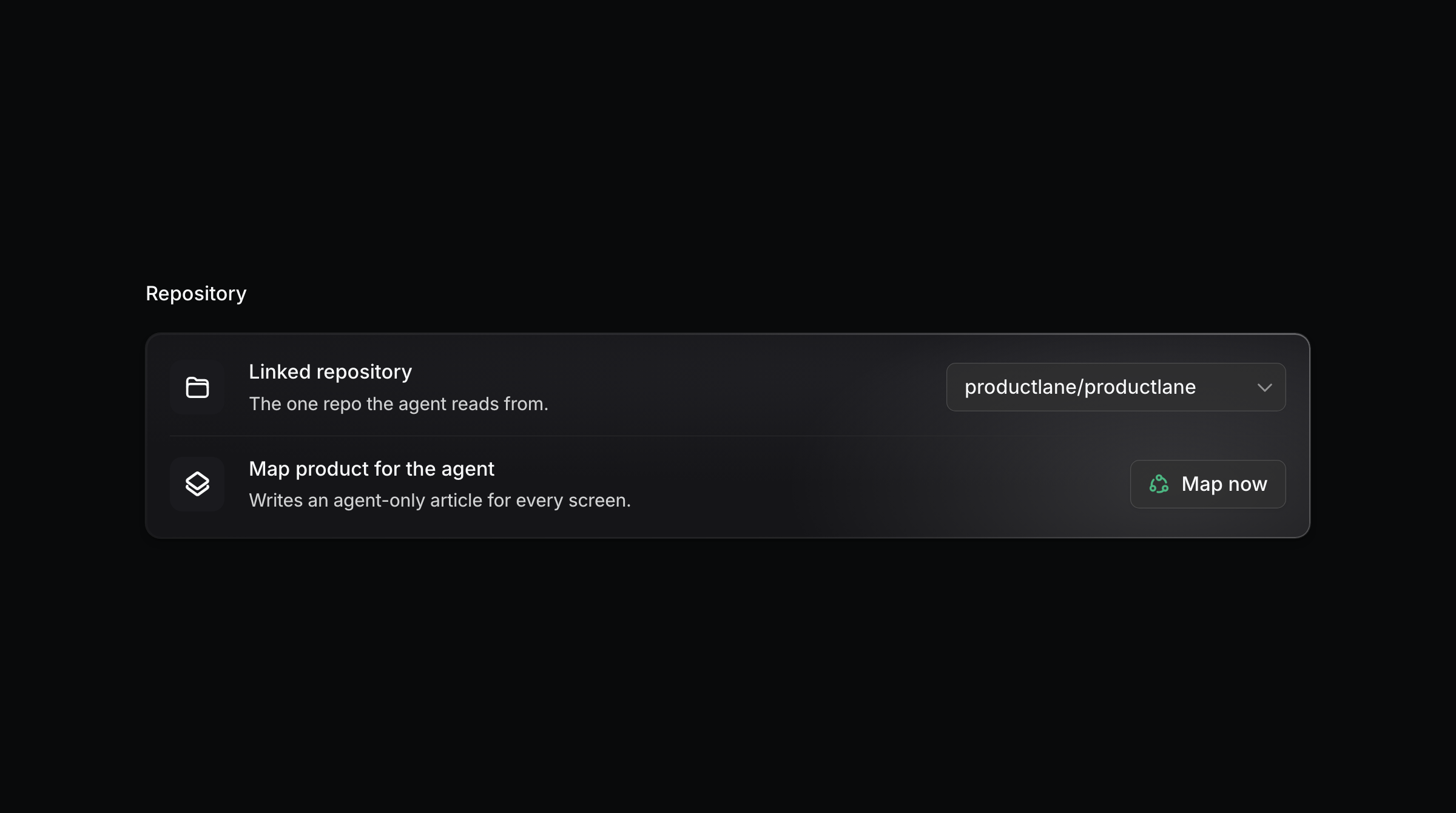
We're continuing to heavily focus on the Productlane Support Agent. It's exciting to see that more of you turn it on every week and start saving hours of time while improving the experience for your customers. This week, we're shipping another update that we saw strongly increase the agent's resolution rate: In the GitHub settings, you can now map your product's screens for the agent.
Map your product for the Agent
Help centers rarely cover every button and setting in your app. Once you connect GitHub, the Agent generates that context itself: one article per screen, listing each button, field, and setting with what it does. These articles are agent-only and never touch your published docs. It excludes screens behind an admin login, credentials, and other customers' data, and no source code goes into the context.
This runs separately from your published help center. The map is context for the agent, so it's never directly visible to customers. But it will also automatically update from merged GitHub code and completed Linear issues.
Deploy the Support Agent on multiple email inboxes
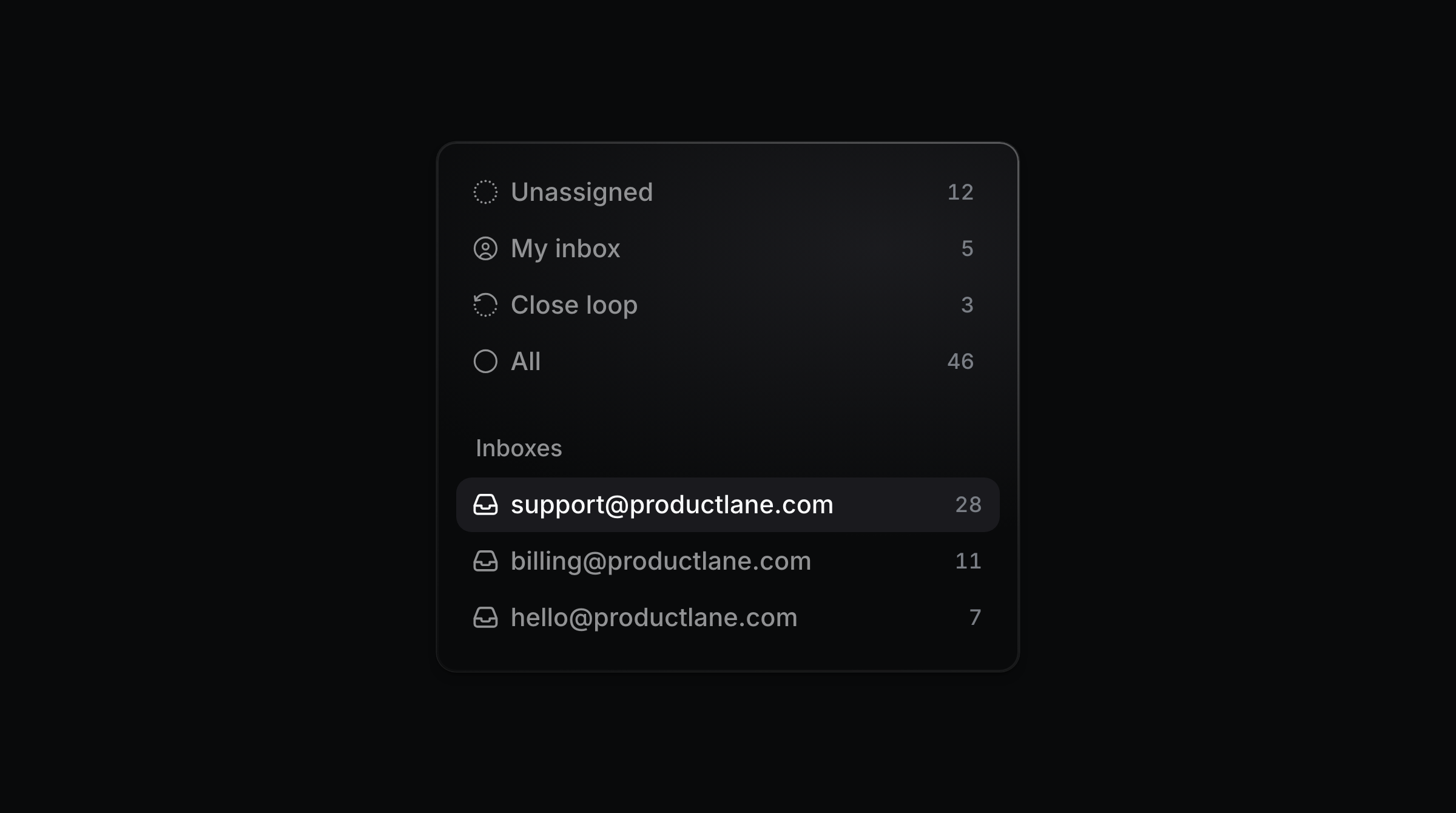
You can now deploy the agent on more than just one email address. Each address carries its own switch, so jobs@ never answers like support@. The agent writes only when it has a real answer, meaning something in your help center, your changelog, or a connected system settles the question. When all it could send is an acknowledgement, it stays silent and leaves the thread to your team. It also stays out of machine mail, so a bounce, an out-of-office, or a newsletter never gets a reply. You can set up multiple email addresses and deploy the agent individually here.
Get started
Just connect GitHub here, and the agent will be able to answer most of your customers' questions autonomously. We’re excited to help more of you deploy the agent on all your support channels and improve the experience for your users with instant resolutions.