
Productlane changelog
OpenAPI integration
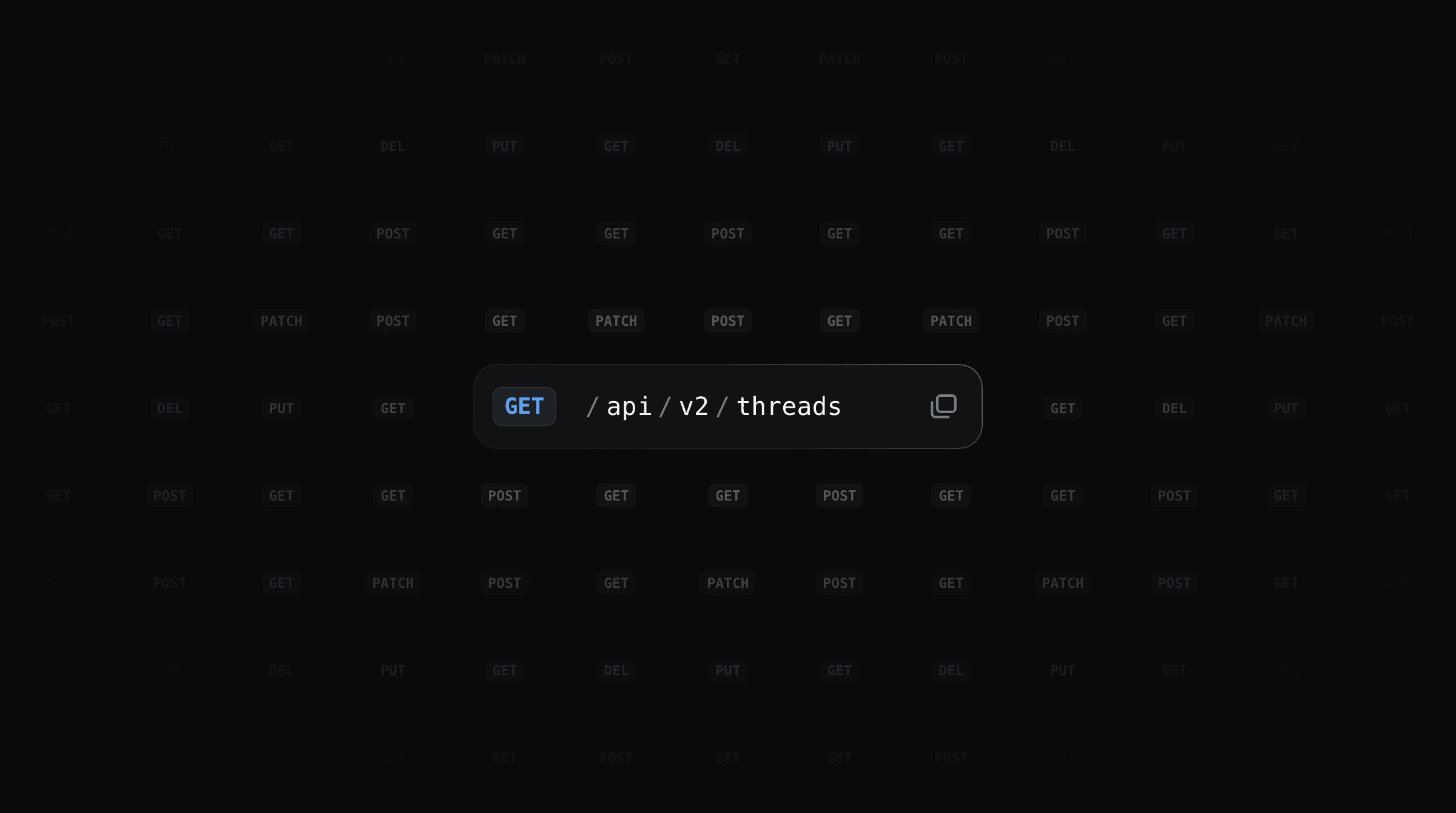
Productlane now builds your API reference from your OpenAPI spec and checks it for changes every day. Developers and the agents working next to them, like a coding agent writing an integration or a support agent answering a customer, read the same exact and current description of every endpoint.
API docs, now in Productlane
Point Productlane at your spec by URL or file upload, and every endpoint and webhook event gets its own docs page. Each page has the same structure: method and path, parameters, request body, responses and an example, with code samples in cURL, JavaScript and Python. That consistent layout helps an agent find the right endpoint and call it correctly on the first try.
Productlane checks your spec every day and holds any change that could break an integration until you review it. Agents always read the version your API runs today. Open the docs settings to import your API specs.
Your support agent answers API questions
The Productlane Agent reads the reference before it replies. When a customer asks how to list their threads over the API, it answers with the exact endpoint and links to its page. Your engineers see only the integration questions the reference can't answer.
Tabs for your docs
You can now split your docs site into tabs like Documentation, Guides and API. Each tab has its own sidebar, so a reader in Guides only sees those articles. New tabs stay drafts until you publish them, which gives you time to build out a whole section. Readers switch tabs from a bar under the header, a dropdown in the sidebar, or a link in your portal navigation. See Docs tabs for how to create and arrange them.