
Docs / AI Agent
AI Copilot

Overview
The AI Copilot is an assistant for your support team, living in the thread sidebar. It answers questions about the conversation in front of you and helps you compose a reply, grounded in your own data. It is for your team, separate from the AI Agent that talks to customers in the widget.
Open the Copilot
In any thread, click the AI icon in the right sidebar or press Cmd/Ctrl + J (Show AI Copilot). The Copilot opens as a chat panel alongside the conversation.
The Copilot is available on the Scale plan and above. It is hidden for members with the Viewer role.
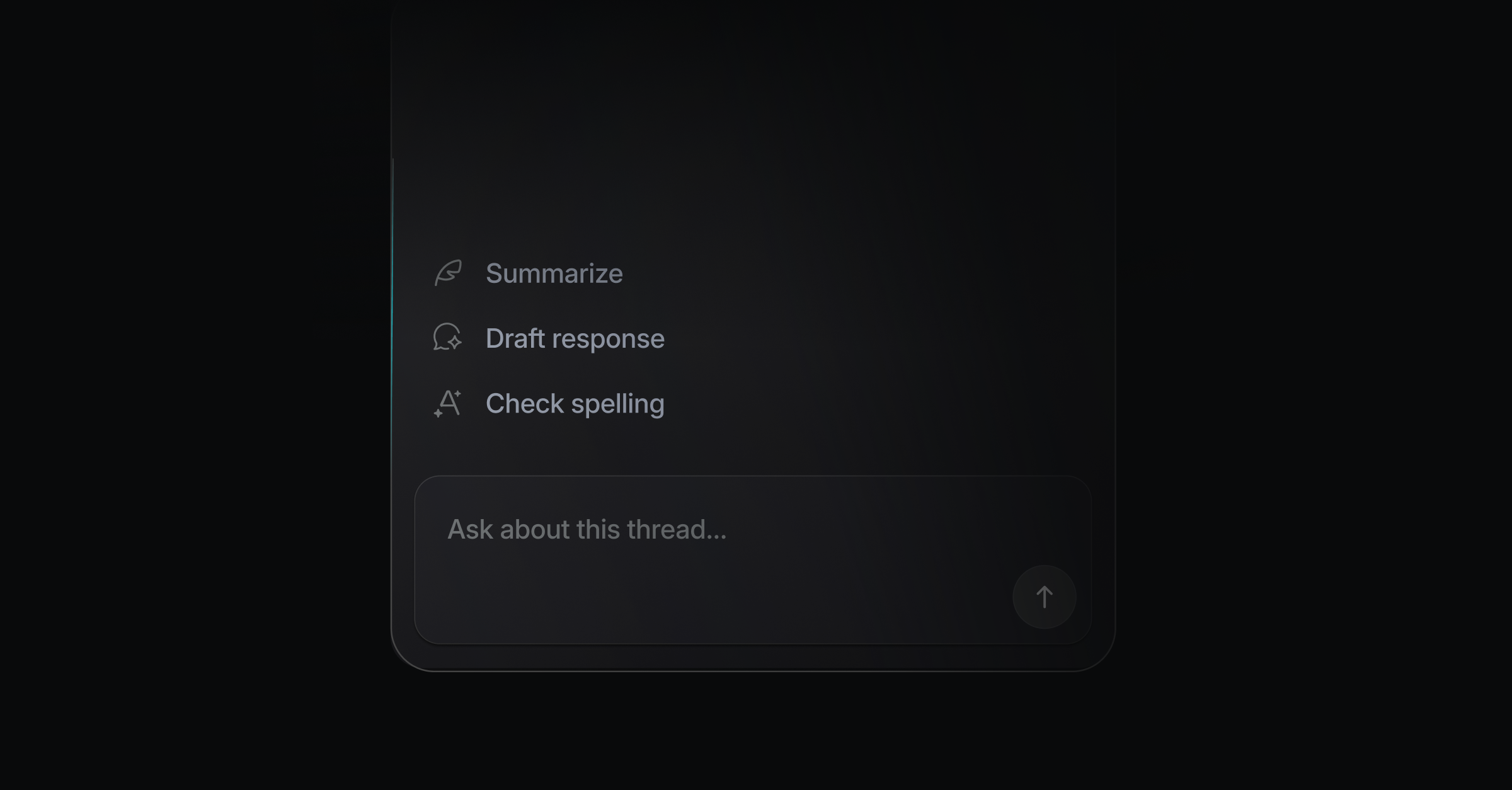
What you can ask
Summarize a long thread or catch up on what the customer needs.
Ask about the customer's history and account.
Draft or rewrite a reply in your team's voice.
Surface a help center article to send, or propose a docs update.
It answers from your connected sources: docs, changelog, roadmap, resolved threads, linked GitHub PRs, and any whitelisted Postgres queries your workspace has set up.
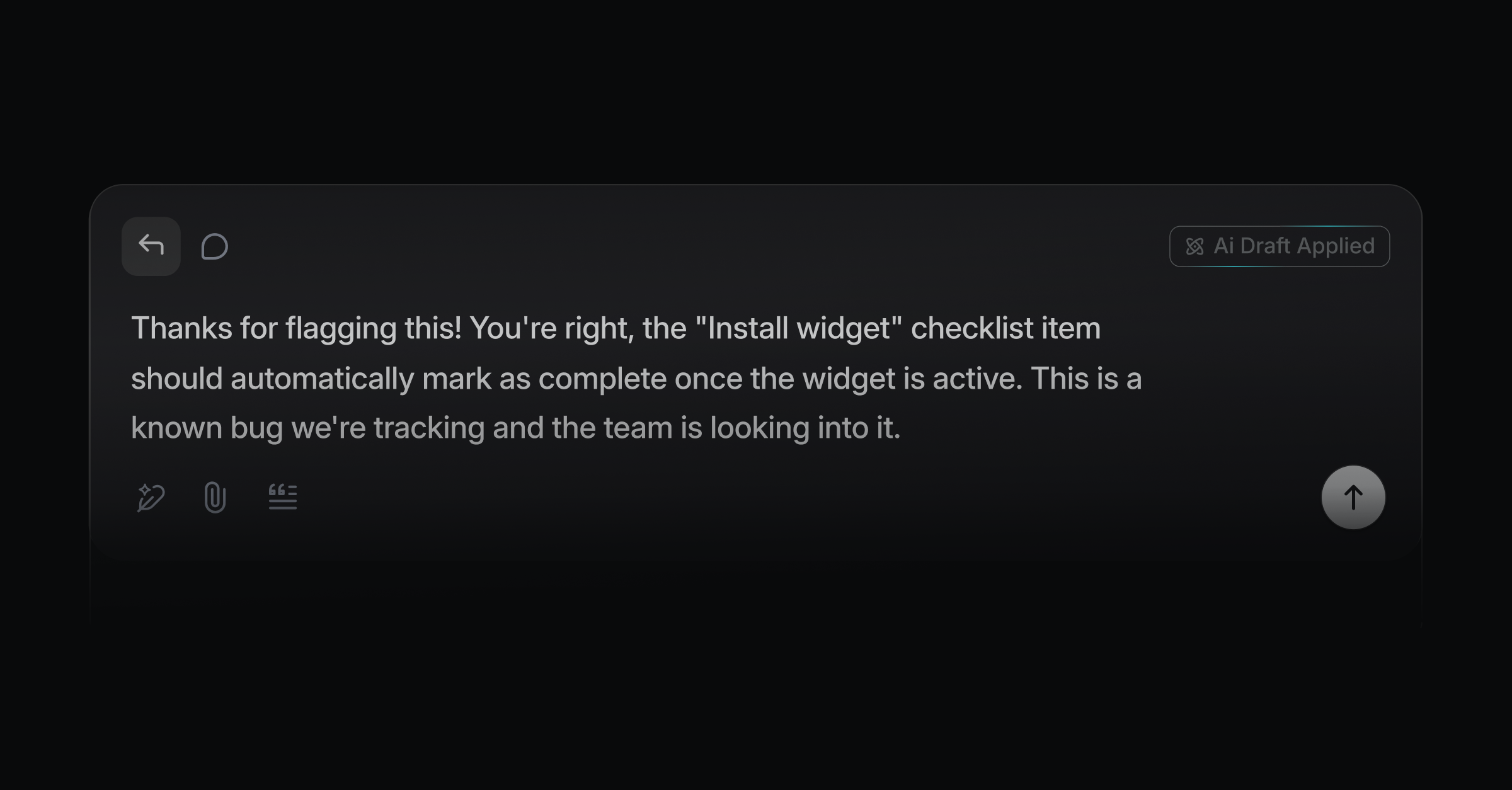
Copilot and AI drafts
The Copilot is interactive: you ask, it answers, in the sidebar. Auto AI-Drafts are the hands-off version that prepares a reply in the composer on their own. Use the Copilot when you want to think a reply through; use Auto AI-Drafts when you want one ready on arrival.
Data and privacy
Does the Copilot expose sensitive data from our database? Only the queries you whitelist. The Copilot reads from Postgres through a set of queries your workspace approves in advance, so you decide exactly what data it can reach. Leave a table or column out of the whitelist and the Copilot cannot query it.
Can the customer-facing AI Agent see our database? No. Database access belongs to the Copilot, which is internal to your team. The AI Agent that talks to customers in the widget has no access to your database.
Was this helpful?