
Docs / AI Agent
Automatic issue creation
The AI Agent can automatically create new Linear issues based on the message context.

When enabled, this setting gives the Productlane AI agent (the chatbot your customers interact with via the widget or support portal) the ability to automatically create Linear issues when a user reports a bug or requests a feature during a conversation.
How it works
A customer starts a chat via your widget or support portal.
During the conversation, if the customer describes a bug or a feature request, the AI agent recognizes the intent and creates a Linear issue on their behalf — no human intervention needed.
The issue is created in your default Linear team with a concise title, a detailed description based on the conversation, and an appropriate priority level (Urgent, High, Medium, Low, or No priority). Urgent priority is reserved for production-down, data-loss, or security issues.
The created issue is automatically linked back to the customer's thread in Productlane, so you always know which customer reported it.
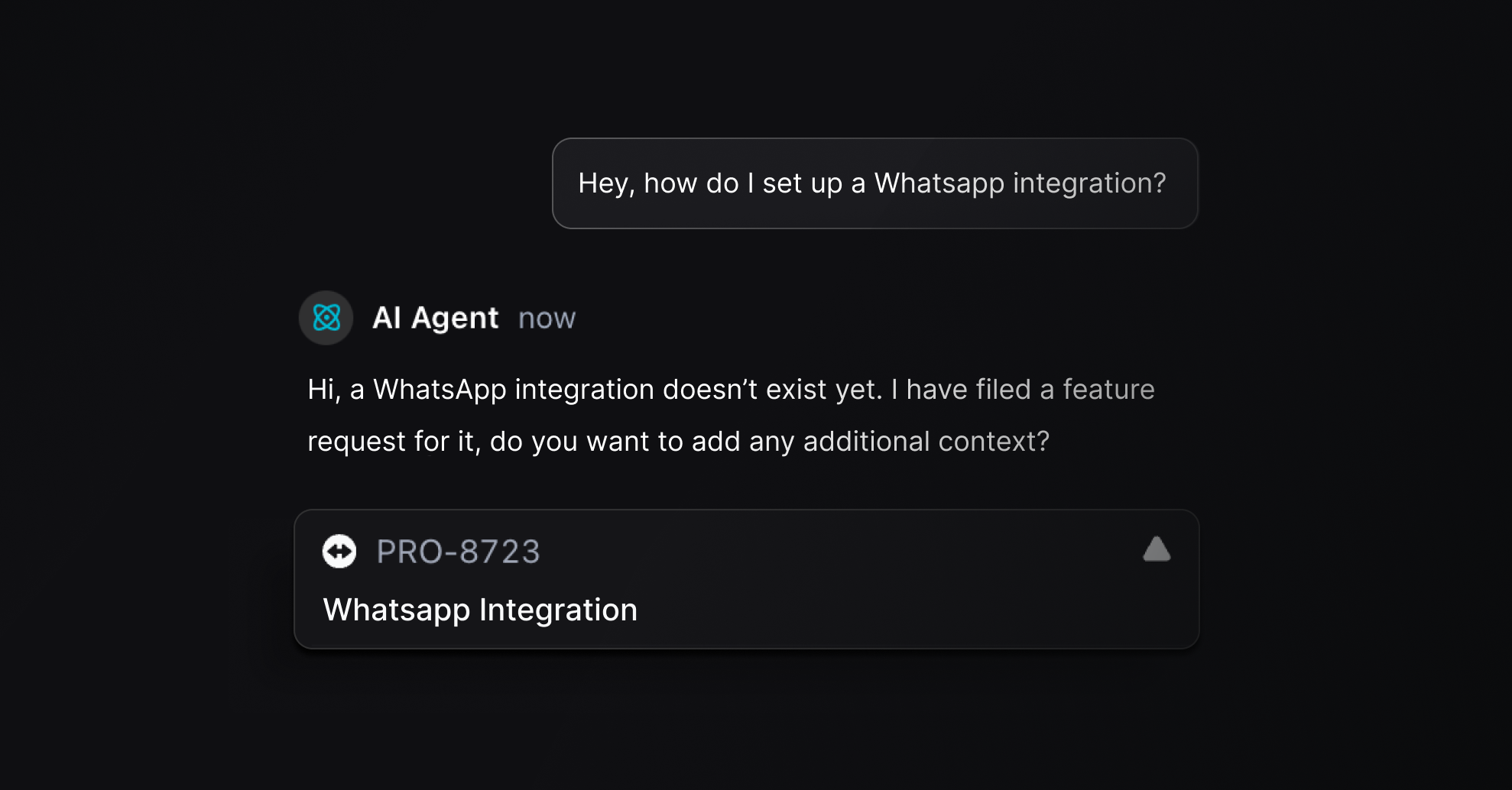
What the AI agent can do during a session
Create a Linear issue from a bug report or feature request
Edit an issue it created (update title or description)
Mark importance on an issue (updates customer need priority)
Remove (archive) an issue it created if it was made in error
The agent can only edit or remove issues it created within the same chat session — it cannot modify existing issues.
Requirements
Linear integration must be connected with a valid token
A default Linear team must be selected in your Linear integration settings
Requires a Pro or Scale plan
How to enable
Go to Settings → AI Agent
Toggle Create Linear Issues on
Make sure your Linear integration is connected and a default team is set
What happens in Linear
Issues are created in your default team's Triage state (or Unstarted/Todo if Triage isn't available). Your team can then prioritize and assign them through your normal workflow. Each issue links back to the original customer conversation in Productlane, giving your team full context on who reported it and what was said.
Was this helpful?