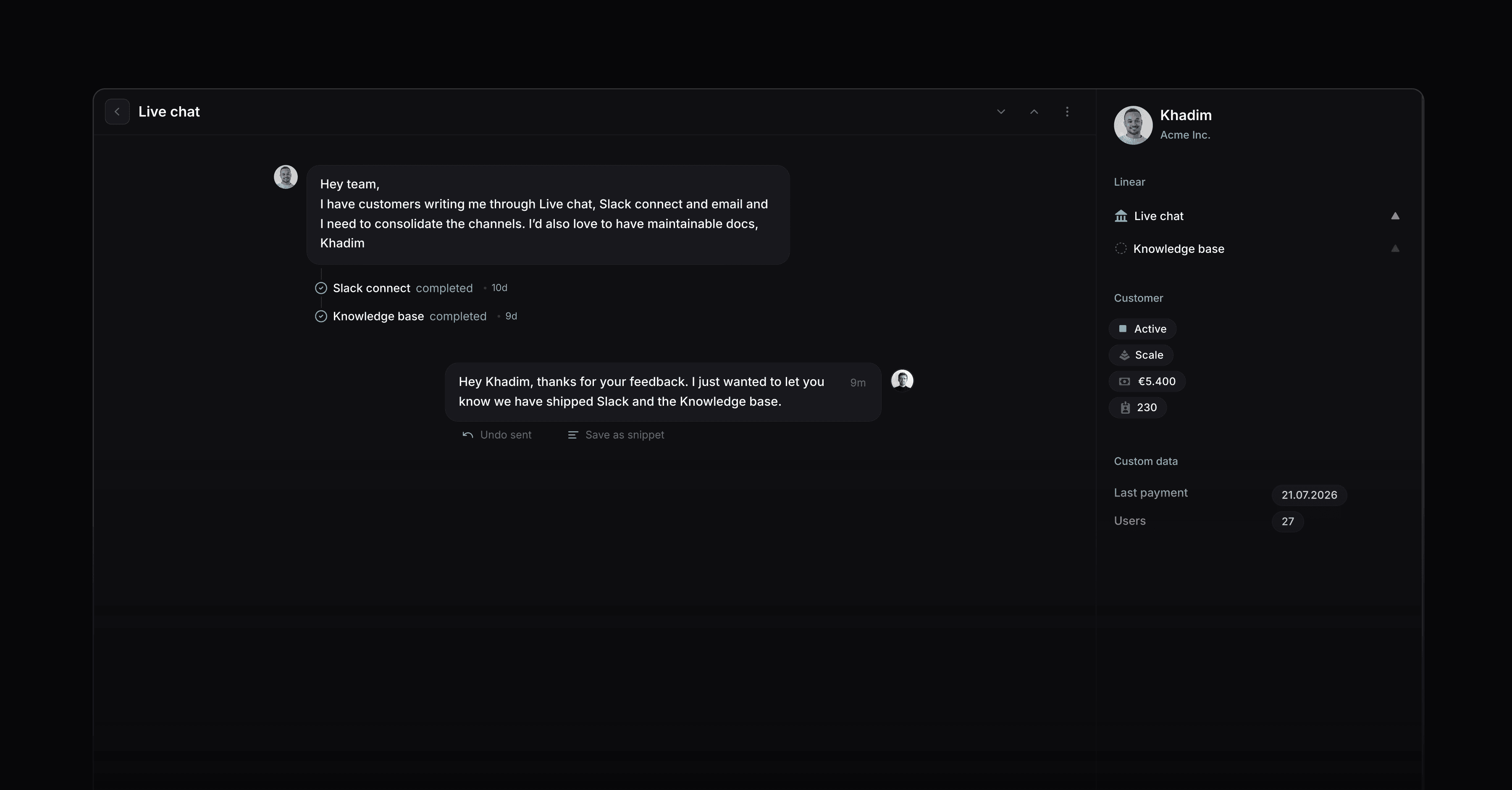
Sending and receiving emails in Productlane enables you to reply to incoming support queries, feature requests, and bug reports. If you reply to a customer, it will be from your support email address, with the name of the user logged into Productlane. How it looks:
Sender: Raphael (Productlane)
Email: [email protected]
Note: A workspace can hold several support addresses, each with its own inbox. See Multiple addresses below.
Navigate to Productlane settings
Open Settings > Email.
Choose your primary email
Customers can contact you at this address, and outgoing emails will be sent from this address.
Enable email forwarding to receive emails
To receive emails, you need to forward emails from your primary email to our special inbound address. Check the box for I have added forwarding and press Save and continue. How to set up email forwarding
Add DNS records to enable sending emails
To enable Productlane to send emails on your behalf, you will need to verify your domain with us. Doing so will also assure email clients that emails are sent with your permission. After adding the DNS records to your domain, press Verify DNS records.
If a record is correct but still fails, check your domain for a wildcard DNS record such as *.yourdomain.com. A wildcard can answer the email provider's lookup for the bounces CNAME (the productlane-bounces record) with a cached response, and that answer can last up to an hour. Wait an hour, then press Verify DNS records again.
Final step: enable emails
Click Enable emails and start using Productlane as your shared email inbox for customer support.
Once your first address is running, you can add more. [email protected], [email protected], and [email protected] each get their own inbox, and a reply goes out from the address the customer wrote to.
The Addresses card in Settings > Email lists every address in the workspace. Click one to open its own page at /settings/emails/addresses/:id.
Click Add address on the Addresses card.
Type the full address. Suggestions complete the local part on every domain you already verified, and a domain Productlane has not seen yet shows up as a new-domain option.
Click Add address.
What happens next depends on the domain:
A domain you already verified: the address is live immediately, because every address on one domain shares that domain's DNS. One step is left, forwarding its inbound mail to Productlane.
A new domain: the dialog shows a TXT and a CNAME record to add at your DNS provider. Download for Cloudflare exports them as a file. Click Verify DNS records once they resolve. Records can take up to an hour to propagate, and the address stays inactive until both are live.
Each address gets its own intake address, shown as Intake address on the address page. Point a forwarding rule at your mail provider from the support address to that intake address, then turn on Forwarding is set up so the address stops showing as pending. The Gmail routing rule is the same for every address, with a different intake address each time.
One address is the primary. It is the fallback sender whenever no other rule picks an address, and it cannot be removed while it holds that role. Change primary address on the address page runs the setup wizard again, and a new primary on a new domain means new DNS records.
To retire the current primary, make another address primary first, then remove it.
Turn on Use for broadcasts on an address and changelog broadcasts and project or issue updates send from it by default. Only one address carries that flag, so turning it on somewhere else clears it where it was.
The send-update modal has a From dropdown under Edit subject, sender & from. It preselects the broadcast address, falls back to your primary, and lets you pick any other address before sending. Replies to a broadcast come back to your primary address, so a customer who answers a changelog email still reaches the shared inbox.
Broadcasts need the Pro plan or above. See Broadcasts.
Sending reputation is scored per domain. A changelog broadcast to your whole contact list draws far more spam complaints and unsubscribes than day-to-day support mail, so keeping the two on one domain lets the broadcast traffic set the reputation your support replies depend on.
Add the broadcast address on a subdomain of your root domain, for example [email protected], and mark that address for broadcasts. The subdomain is a new domain to Productlane, so it gets its own TXT and CNAME records, and from then on its reputation is scored separately from acme.com.
Once two or more addresses are enabled:
An Inboxes section appears in the inbox sidebar, one row per address with a count of open threads. Clicking a row filters the list to threads sent to that address.
A From picker appears next to the reply tabs on an email thread. It defaults to the address the customer wrote to, so a reply stays on the inbox the thread belongs to, and you can switch to another address before sending.
With a single address, both stay hidden.
Each address page carries its own:
Sender name, the name customers see next to the address.
AI agent, whether the Productlane Agent answers new messages on this address.
Auto-reply and its message, sent from that address when a new message arrives.
A new address inherits the auto-reply settings of the primary at the moment you create it, and each one is independent afterwards.
Forwarded email handling is workspace-wide. A change there applies to every address.
Addresses per workspace, primary included:
Plan | Addresses |
|---|---|
Starter | 1 |
Pro | 10 |
Scale | 25 |
Startup program | 3 |
At the cap, adding an address asks you to upgrade. A downgrade does not delete addresses you already have.
The rest:
An address can be added once. A second attempt at the same address reports that it is already set up.
The primary address cannot be removed. Make another address primary first.
A broadcast's From address has to sit on a domain you verified in this workspace.
Exactly one address can be the broadcast default.
Removing an address stops mail forwarded to it from arriving and stops replies going out from it. Existing threads keep their full history, and you can add the address again later.
Removing the last address on a domain releases that domain's sending setup, so adding an address back on it means verifying the DNS records again.
When a customer forwards an email into your inbox, Productlane needs to decide who the thread should be attributed to - the original sender inside the forwarded message, or the person who forwarded it. Choose the behavior under Settings > Email > Forwarded emails. The mode applies to every address in the workspace.
Original sender (default) - The thread is attributed to the sender parsed from the forwarded message body. Best for teams whose customers mostly forward messages from real people.
Forwarder - The thread is always attributed to the person who sent the email to your inbox, regardless of its contents. Best for teams whose customers often forward receipts, invoices, or automated notifications.
When using Original sender mode, you can maintain an exceptions list of email addresses that should be treated as transactional senders (e.g., [email protected], [email protected]). When one of these addresses appears as the original sender of a forwarded email, the thread is attributed to the forwarder instead.
To manage exceptions:
Go to Settings > Email > Forwarded emails.
Below the mode selector, you will see the Exceptions section.
Click Add to add an email address to the list.
To remove an exception, click the delete icon next to the entry.
Note: The exceptions list is only available when the mode is set to Original sender. Switch to that mode first if you need to add exceptions.
If a forwarded ticket is attributed to your own company (or to an address like [email protected] or [email protected]) instead of the real customer, and your replies are not reaching that customer, the original-sender parser is picking up a transactional address from inside the forwarded email.
This happens when customers forward an automated or transactional email (such as a receipt, an invoice, or a notification your system sent) and add their own note. Productlane reads the sender in the forwarded message as the system address, not the person who forwarded it. Because the thread's contact is also the reply recipient, your reply goes back to that system address rather than to the customer.
To fix it, keep the mode on Original sender and add the system address to the Exceptions list. Add every address your system sends transactional mail from (for example, [email protected], [email protected], [email protected]). New forwards from those addresses will be attributed to the person who forwarded them, and your replies will reach the right customer.
Productlane automatically discards inbound emails that are auto-replies or vacation responders so they do not open new threads or trigger the AI auto-reply. Detection uses both email headers and body text.
An email is silently dropped when any of the following is true:
Auto-Submitted: auto-replied or Auto-Submitted: auto-notified header is present (RFC 3834 auto-reply markers).
Vendor auto-reply headers are set to a non-"no" value: X-Autoreply, X-Autorespond, X-amzn-vacation, X-Vacationmessage.
X-Zarafa-Rule-Action: reply is present (Zarafa/Kopano vacation rule).
The message body contains recognized auto-reply or out-of-office phrases.
Some headers look like auto-reply signals but are ignored on purpose, because newsletters, transactional mailers, and outreach tools set them on real customer mail too:
Auto-Submitted: auto-generated - used by receipts, notifications, and newsletters.
Precedence: bulk - set by any bulk sender.
Return-Path: <> - the classic bounce/mailing-list marker, but also set by many notification systems.
X-Auto-Response-Suppress - a directive asking recipients not to auto-reply; it does not mean the message itself is an auto-reply.
Additionally, any email that carries a List-Unsubscribe or List-Id header is always treated as a mailing list message and never filtered as an auto-reply, regardless of other headers.
The email Productlane sends back for an inbound message depends on what you have enabled:
With your workspace's canned auto-reply message on and the AI Agent's email auto-replies on, the first message on a thread gets the canned message followed by a clearly labeled AI Agent response.
With only the AI Agent's email auto-replies on, the first message and every follow-up get the Agent's answer alone, with no canned message and no label.
With only the canned auto-reply message on, every first message gets that message alone; follow-ups get nothing.
Both switches are per address, so one inbox can auto-reply while another stays quiet. The AI answers email only when Email is on under Deploy in the Productlane Agent settings.
The canned message goes out as you wrote it. To add your hours to it:
Open the address on the Addresses card and click Edit auto-reply message.
Type {{ in the message and pick Your office hours, which inserts {{OfficeHours}}.
When the email goes out, Productlane replaces the placeholder with your schedule and workspace timezone. This message:
We're online {{OfficeHours}}. We reply within one business day.
reaches the customer as:
We're online Mon-Fri 9:00 AM - 5:00 PM GMT+2. We reply within one business day.
The placeholder appears once your workspace has office hours. Set them in Settings > Office hours & SLAs.
An automatic email reply keeps the other people who were on the original email:
Anyone already in Cc on the latest inbound message is kept in Cc on the auto-reply, the same way a manual reply-all would.
Anyone in the original To list besides the contact is added to Cc as well.
Your own workspace addresses (every support address you have added, every branded inbound address, and any address your team sent from on the thread) and the contact themselves are never added to Cc, since they already receive the reply as the sender or the main recipient.
This keeps everyone who was following the conversation in the loop, without duplicating recipients.
Every email in a thread shows its To, CC, and BCC recipients below the sender, so you can see who received each message.
When the recipient list is long, it collapses to a single line. Click the expand arrow to reveal the full list.
When an email chain has several people on it, whether they're in the original To line, CC'd, or reply as part of a hand-off, Productlane keeps every reply on that chain in the same thread instead of splitting it into separate conversations.
Within that one thread:
The contact can follow the latest sender. With Follow latest email sender on under Settings > Assignments, the thread's contact switches to whoever sent the most recent inbound reply.
New participants become contacts automatically. If someone replies on the chain who isn't already a contact in your workspace, Productlane creates one for them.
If related messages ever end up split across two separate threads instead of staying together, agents can combine them manually. See Merging threads.
Forward incoming email from your provider to Productlane.
Connect multiple support emails to Productlane.
Re-subscribe a contact whose email we stopped delivering.
Start each email reply with the whole thread still in Cc.
