Productlane
Productlane
  • Docs
  • Changelog
  • Feature requests
  • Support portal
    • Custom views
    • SLAs
    • Auto-Assignments
    • Macros
    • Snoozing
    • Internal comments and mentions
    • Thread importance
Docs / Inbox

Auto-Assignments

Automatically route incoming threads to the right team member based on customer ownership in Linear.
Auto-Assignments

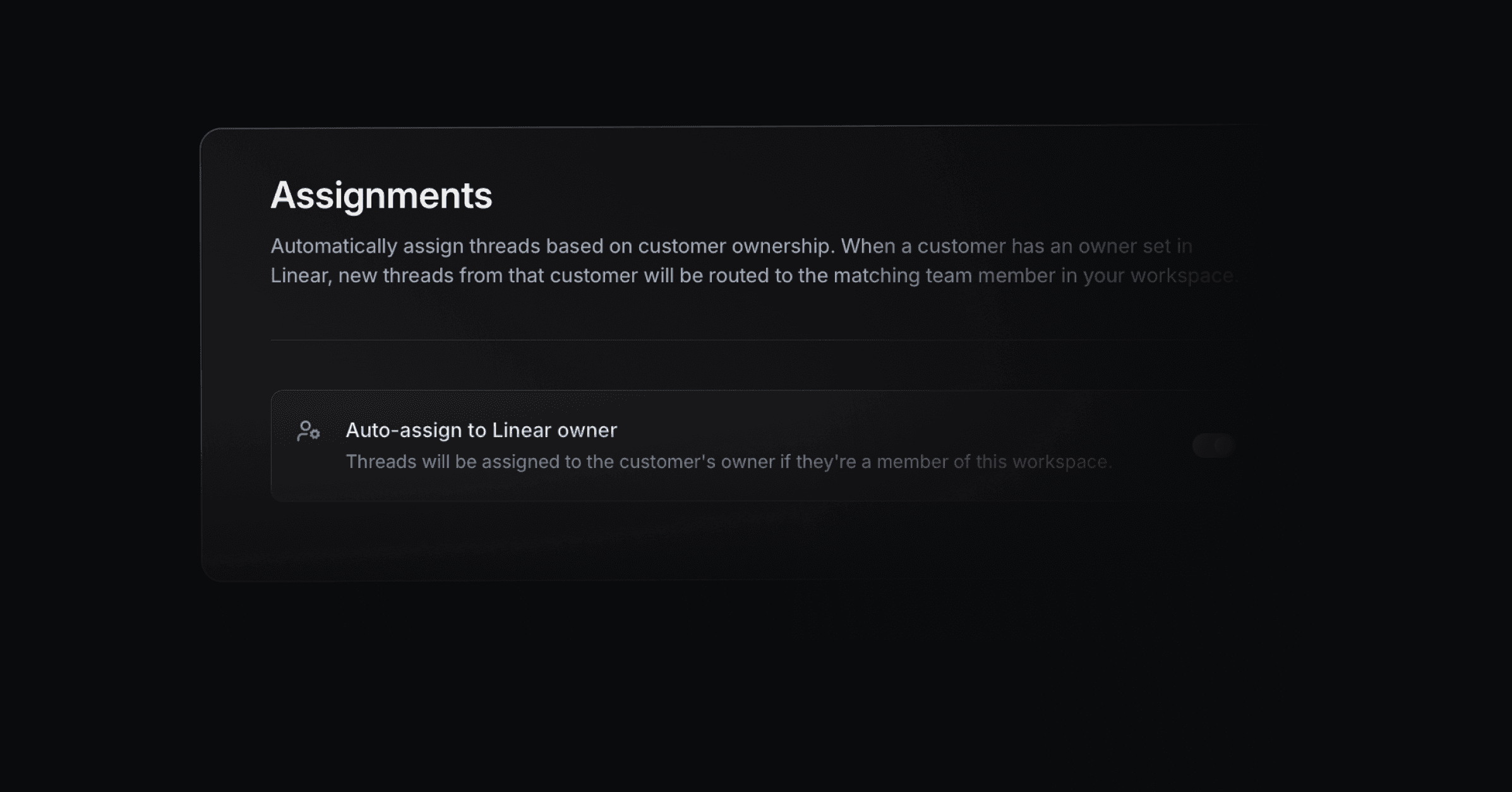
Assignments

Assignments control how threads are routed to your team members and how contacts are grouped into companies. You can auto-assign threads to a customer's Linear owner and group contacts into companies by their email domain.

Where to find it

Settings > Assignments (the sidebar entry labeled "Assignments", route /settings/assignments).

Controls on this page

Auto-assign to Linear owner

A toggle labeled "Auto-assign to Linear owner" with the description "Threads will be assigned to the customer's owner if they're a member of this workspace." When on, an incoming thread is assigned to the customer's owner from Linear, as long as that owner is a member of this workspace. This control requires the Scale plan or higher; without it, an Upgrade button appears in its place. The toggle saves automatically. Its default is off.

Auto-assign contacts to companies by domain

A toggle labeled "Auto-assign contacts to companies by domain" with the description "Automatically groups contacts into companies based on their email domain." When on, a new contact is grouped into a company based on the domain part of their email address. This control is available on all plans. The toggle saves automatically. Its default is on.

How to set up assignments

  1. Go to Settings > Assignments.

  2. To route threads by Linear ownership, turn on Auto-assign to Linear owner. This requires the Scale plan; upgrade first if prompted. Make sure the relevant owners are members of your workspace so assignment can take effect.

  3. To keep contacts grouped into companies automatically, leave Auto-assign contacts to companies by domain on. Turn it off if you prefer to manage company membership manually.

Notes

  • Both settings save automatically the moment you toggle them.

  • Auto-assign to Linear owner requires the Scale plan or higher. Domain-based company grouping works on any plan.

  • Auto-assign to Linear owner only assigns when the customer's Linear owner is also a member of this workspace.

  • Domain-based company grouping is on by default, so contacts are grouped without any setup.

PrevSLAs
NextMacros
Was this helpful?
