
Overview
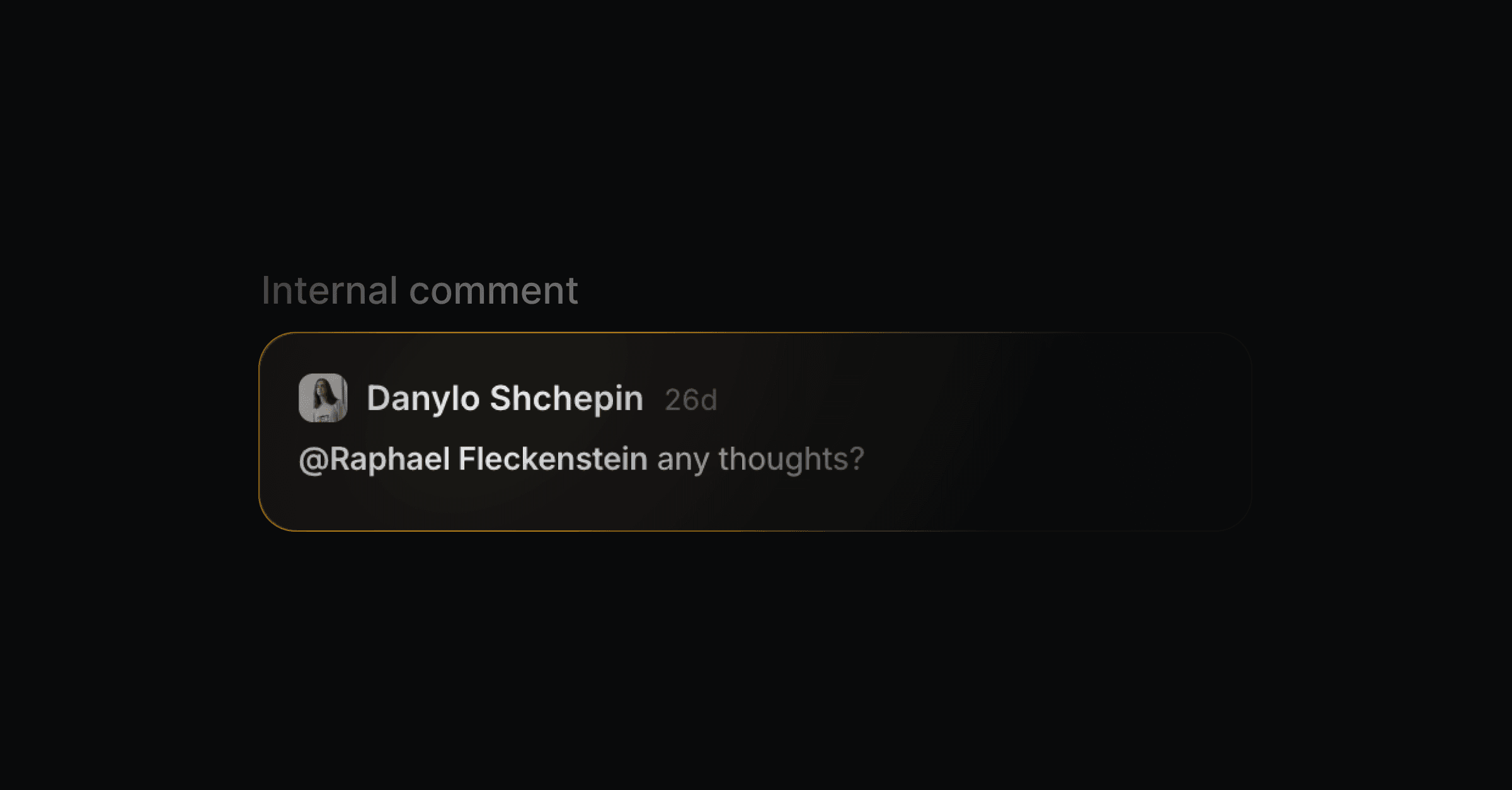
Internal comments are private notes on a thread, visible to your team and never sent to the customer. Use them to add context, hand a conversation off, or discuss a reply before you send it.
Add a comment
On any thread, switch to the Comment tab in the reply bar (or press N), write your note, and submit with Cmd/Ctrl + Enter. Comments support rich text. They stay inside Productlane and are never delivered to the customer.
Everyone can edit their own comments.
Admins and members can delete their own comments. Admins can also delete anyone else's, including a comment synced from Linear with no matched author.
Viewers cannot delete comments, including their own.
Reply to a comment
Each comment on a thread opens its own reply box, with a composer for leaving a reply directly underneath it. Use it to keep a discussion about a specific comment together instead of starting a new top-level one.
Replies support rich text and attachments, and submit with
Cmd/Ctrl + Enteror the send button.Deleting a comment also deletes all of its replies.
Resolve a comment thread
Long-running internal discussions, like a comment thread that mirrors a Linear issue or a back-and-forth investigation, can clutter a conversation. Resolve them to collapse the noise while keeping the history in place.
Open the
...menu on a top-level comment and choose Resolve thread. This is available to anyone except workspace viewers.Resolving a comment resolves the whole thread, including its replies. Choose Reopen thread from the same menu to bring it back.
Consecutive resolved comments fold into a single row showing the authors' avatars and a summary, for example
3 resolved comments from Jane. Click the row to expand it and read the full comments again.A comment that has replies, or one that isn't resolved, or any other event in between breaks the fold, so only unbroken runs of resolved comments collapse together.
If a comment is linked to a Linear comment, resolving or reopening it in Productlane updates the resolved state on the Linear comment too, and vice versa.
Resolve every comment at once
To clear a thread's comments in one step, open the ... menu in the thread's top bar and choose Resolve all comments. This option only appears when the thread has unresolved comments.
It resolves every open top-level comment on the thread. Replies are skipped, since resolving a root comment already closes its whole thread.
Already-resolved comments, deleted comments, and system rows with no author and no Linear mirror (like device-info or AI-feedback entries) are left alone.
A toast confirms the result, for example
3 comments resolved.
Mention a teammate
Type @ in a comment to bring up your workspace members, then pick the person you want to loop in. Mentioned teammates are notified based on their personal notification settings, so a hand-off reaches them in email or Slack without you leaving the thread.
View your notifications
Every mention (and any other in-app notification) also shows up in the notification bell at the bottom of the main sidebar, next to your workspace switcher. Click it to open a panel of your recent notifications, with an unread count when there is something new. The bell is there on every page of the app.
Sync with Linear
If a thread is linked to a Linear issue, its internal comments and replies sync to that issue automatically: comments you write in Productlane appear as comments in Linear, and comments (or replies) added on the issue in Linear appear back on the thread. Editing, deleting, resolving, or reopening a comment on either side updates the other. See Linear for how the full conversation is mirrored to Linear.
When to use a comment instead of a reply
Flag something for a colleague before anyone responds to the customer.
Record internal context (account history, what you tried, who owns the fix).
Hand the thread to the right person with an
@mention.
Replies go to the customer; comments stay with your team. Switch back to the reply tab with R when you are ready to respond.