
Overview
Importance marks how much a thread matters, so your team can bring the urgent conversations to the top.
Set importance
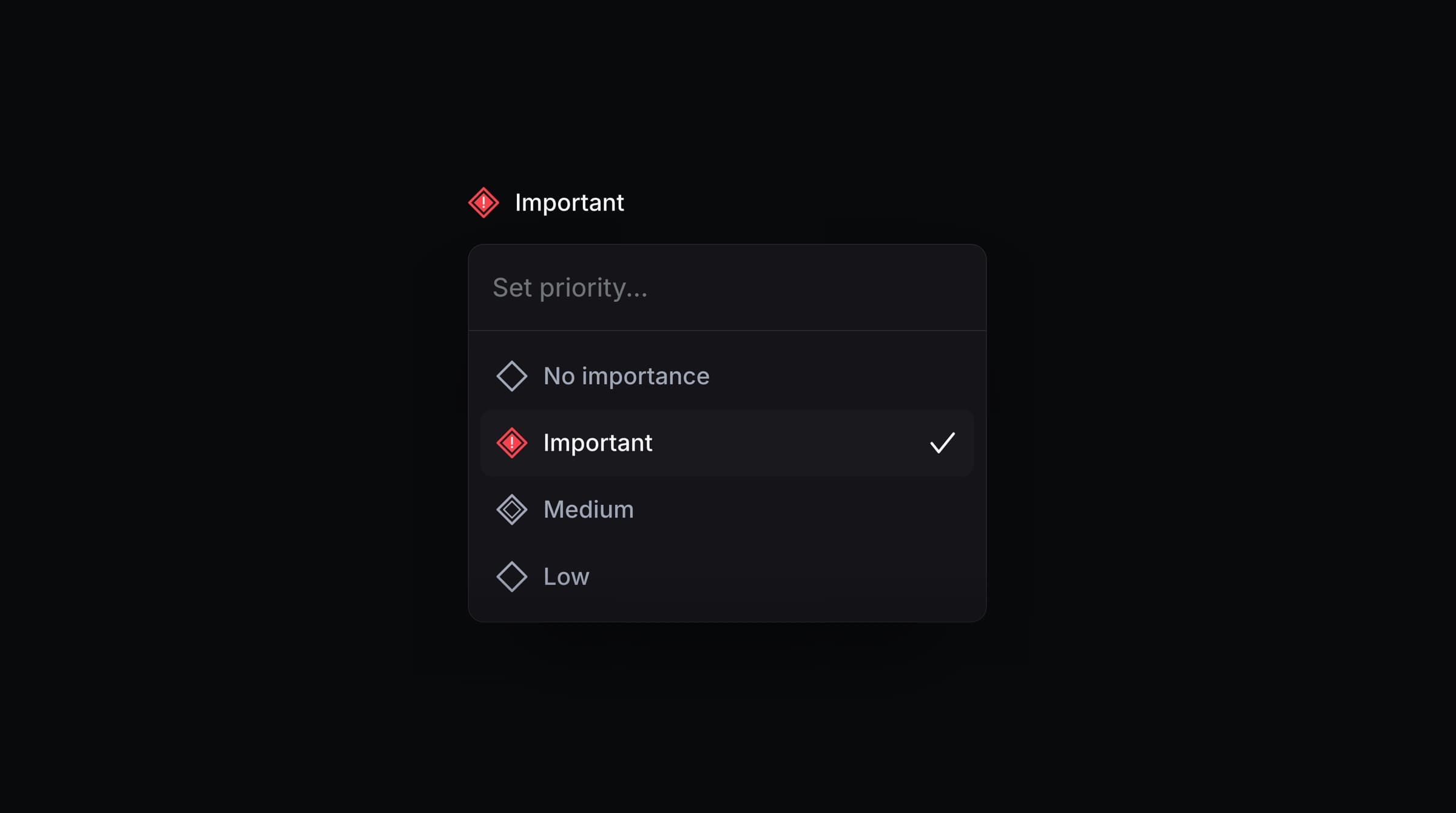
Open a thread and press P, or click Importance in the thread header. Choose one of:
Important
Medium
Low
No importance (the default)
Where importance is used
Inbox filtering and sorting - filter or sort your inbox by it to handle the most pressing conversations first. The filter is called Priority.
SLAs - policies can match on it, so an Important thread gets a tighter response target. See SLAs.
Linear - when you link a thread to an issue or project, an Important thread becomes an Important customer request in Linear. Medium, Low, and No importance all arrive without the Important priority. In the other direction, a customer request that has a priority in Linear creates a thread marked Important. When you create a new Linear issue from a thread, the issue's priority starts as High, Medium, or Low to match the thread's importance. You can change it before you create the issue.
AI context - AI Drafts and the AI Assistant take importance into account when they prepare a reply.