Connect Attio to log support activity onto the matching person and company records in your CRM. Once a day, Productlane writes a note to Attio for every thread that had new messages, so sales and success teams see the current support relationship without leaving Attio. Contacts and companies from Productlane are also pushed to Attio so the same customers stay linked across both tools.
Available on the Pro plan or higher.
Once connected, Productlane:
Matches a thread to a person in Attio by email, or to a company by domain.
Once a day, writes a single note to the matching person and company for every thread that had new messages that day. The note lists that day's messages and links back to the full thread in Productlane. System messages, AI auto-replies, and delivery confirmations are left out so the record stays readable.
Pushes contacts and companies created in Productlane to Attio, matched by email and domain, so they exist on both sides.
Sync is one directional: Productlane writes to Attio. Records in Attio are never imported into Productlane, so your workspace stays free of unrelated CRM data.
Go to Settings > Integrations > Attio.
Click Connect and authorize Productlane to access your Attio workspace.
Once connected, Productlane starts pushing contacts and companies to Attio and begins writing daily activity notes.
Only admins can disconnect the integration. To disconnect, open the Attio integration page and click Disconnect. Records and notes already written to Attio stay in place, and new activity stops syncing.
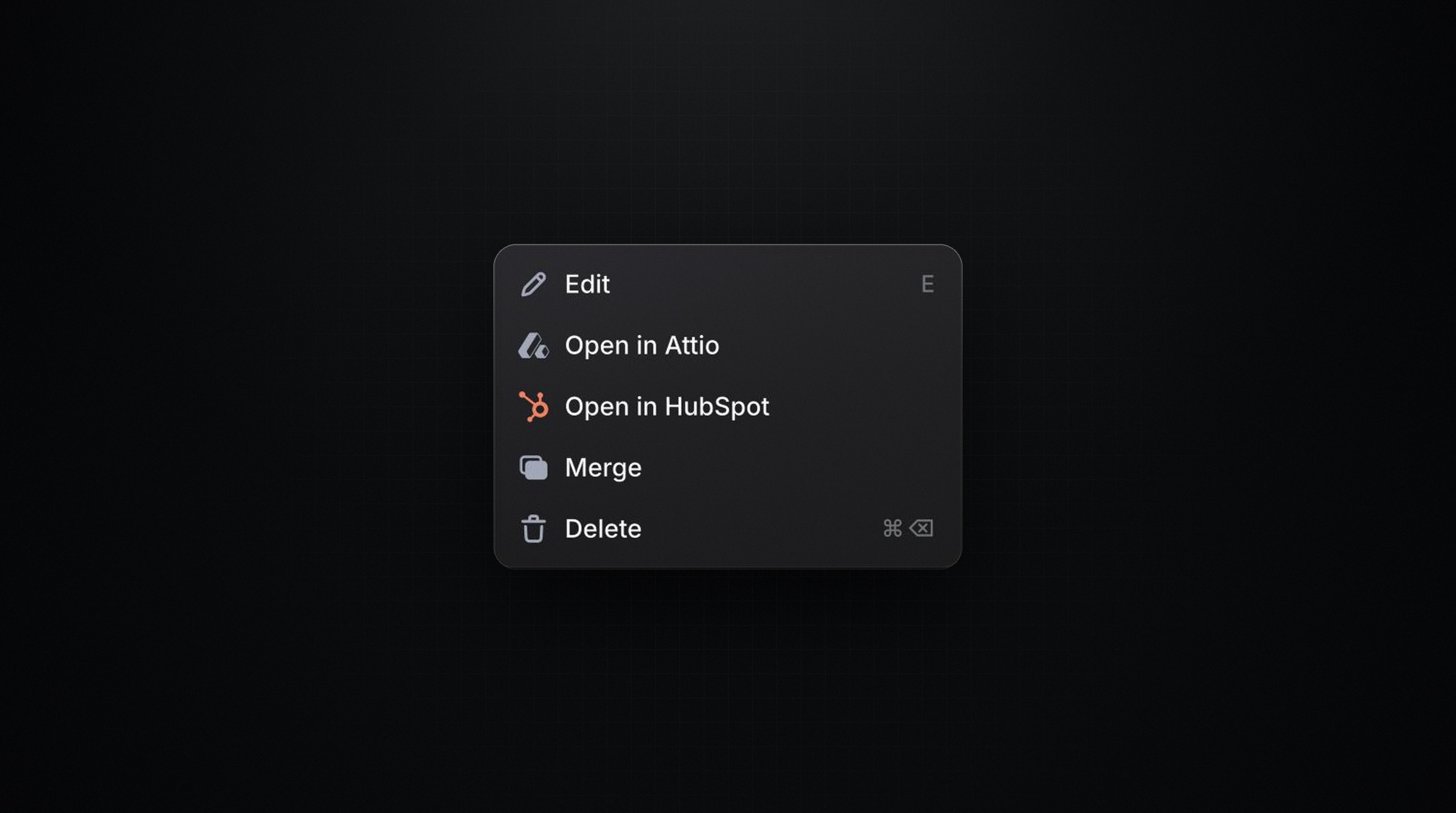
When a contact or company is linked to Attio, an Open in Attio option is available from the ⋯ menu on the contact or company detail page. This opens the matching person or company record directly in Attio.