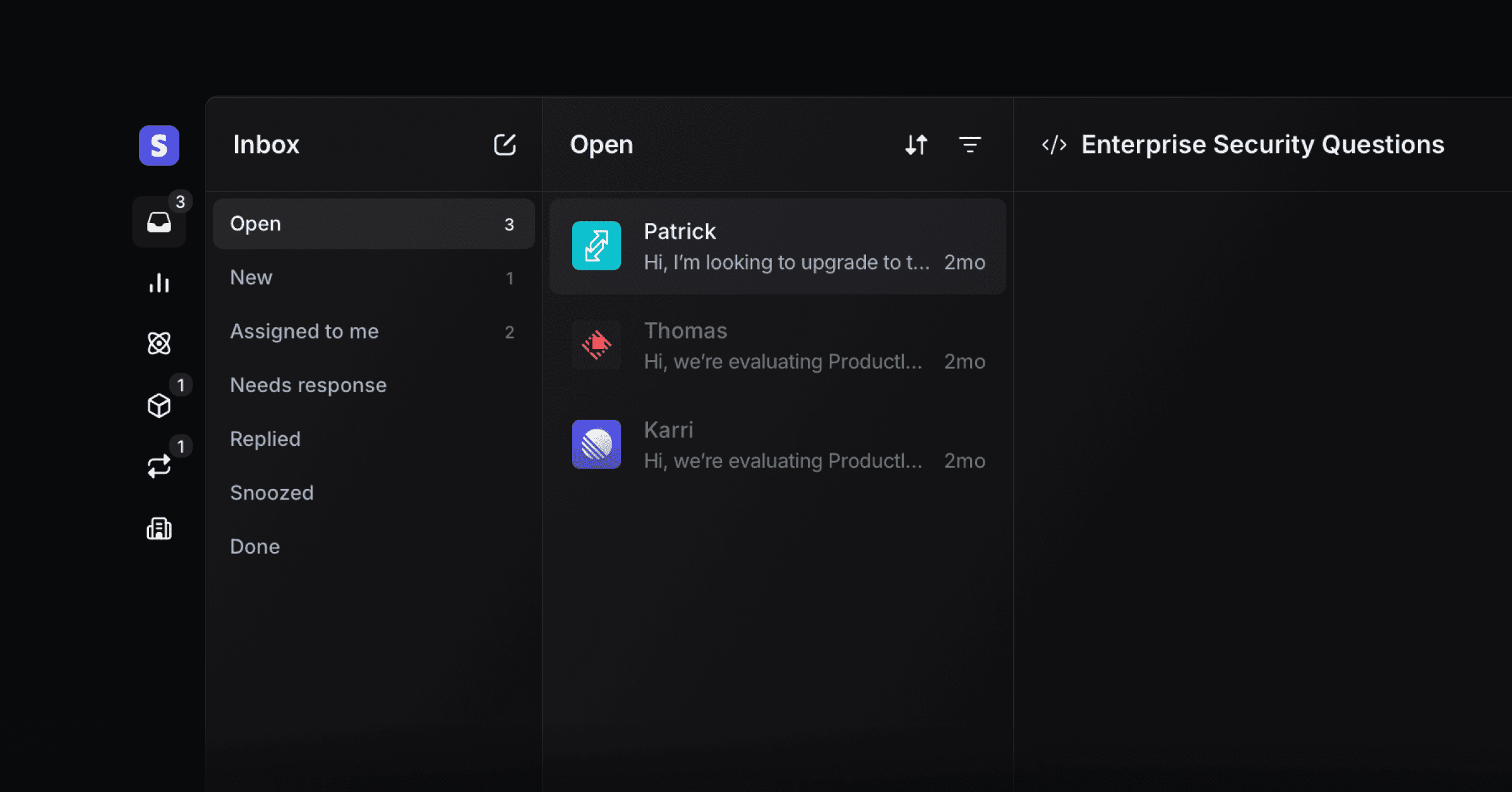
Productlane is a customer support tool for software companies. Its support agent learns your product from your GitHub repository, which gives it the highest resolution rate for software companies. It answers customers on email, live chat, Slack, and Microsoft Teams. When a customer reports a bug, the coding agent picks it up and opens a pull request with the fix.
Your team handles the rest from one inbox. Requests sync to Linear, customers hear back when their issue ships, and the help center drafts its own updates as your product changes.
There are three core features of Productlane:
The inbox for Email, Live Chat, and Slack connect channels
The widget for the AI agent, Live Chat, and Changelog notifications
The portal for your Help Center, Changelog, and Linear feedback portal
Productlane's AI works across the inbox and the help center, resolving tickets, drafting replies, and keeping content current:
Productlane Agent resolves customer conversations before they reach your team
AI Assistant researches a thread and drafts a reply while your team works on it
Auto AI-Drafts generates a first-pass reply on incoming conversations
Close loop follows up with the customer once a linked Linear issue ships
AI Help Center lets customers chat with an AI that answers from your docs
Self-updating help center keeps articles accurate as your product changes
Connect GitHub・2m
Pick one repository. Productlane reads your front end once and writes agent-only articles covering every screen, button, and setting your customers can reach. The agent answers from those articles.
Publish portal・5m
The base for your docs, requests and changelog.
Install Widget・15m
Make Productlane available in your app.
Set up Emailing・5m
Connect your email to respond to customers.
The Productlane Agent answers from your help center, roadmap, and changelog. Connecting GitHub adds agent-only articles that describe every screen your customers can reach. The agent reads those articles and never your code. See GitHub for what Productlane reads from your repository.
Bring your existing data with you:
Import conversations, contacts, changelogs, and help center articles from CSV files, and articles from Markdown.
Zendesk importer moves your Zendesk tickets, contacts, and tags.
Productboard importer moves your Productboard notes and features.
