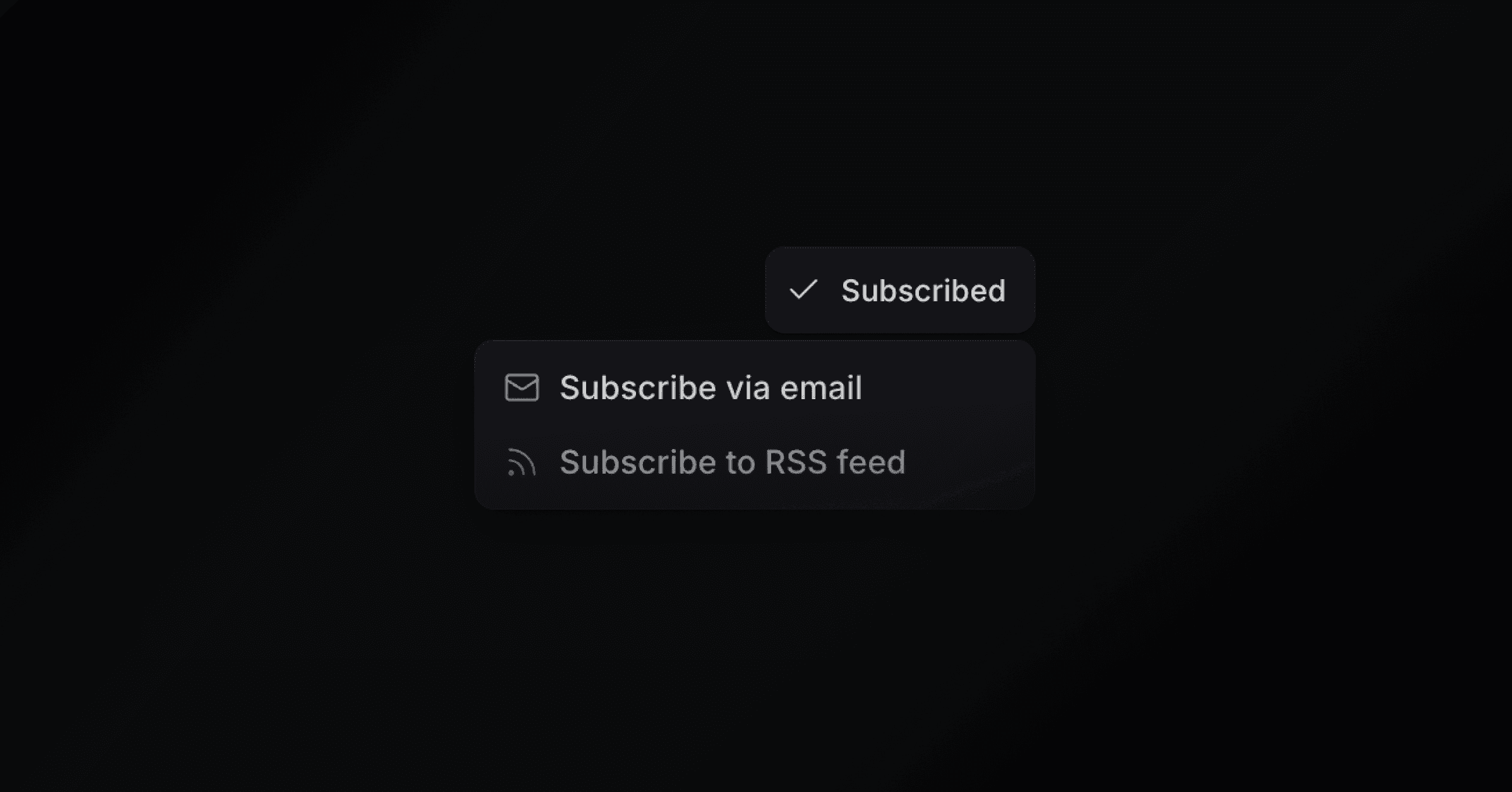
Your public changelog includes a Subscribe dropdown that gives visitors two options: Subscribe via email and Subscribe to RSS feed. Turn off Email notifications under Settings > Changelog to hide the email option and the subscribe form at the top of the changelog page. The dropdown then offers RSS only.
The RSS feed is available at /api/changelog/feed.xml on your portal domain. It includes every published changelog entry and refreshes within an hour of a new one. Visitors can add this URL to any RSS reader to follow your updates.
Changelog entries that are restricted to specific email domains are automatically excluded from the RSS feed for anonymous or non-matching visitors. If a visitor is signed in and their email domain matches, the restricted entries appear in the feed.
By default, clicking "Subscribe via email" opens your portal login flow. You can override this with a custom URL, for example a link to your own newsletter sign-up page.
To set a custom email subscription URL:
Open Settings > Changelog, or click the settings icon on the changelog screen.
Toggle Email subscription on.
Enter your subscription page URL (e.g. example.com/signup). The URL auto-saves after you stop typing.
When enabled, the "Subscribe via email" option in the dropdown redirects visitors to your custom URL instead of the portal login.
Whether subscribers get an email when you publish depends on how you send it. See Broadcasts. Each contact's status, Subscribed, Unsubscribed, or Blocked, shows on their contact page. Change it there, or update contacts in bulk through the API or MCP.
