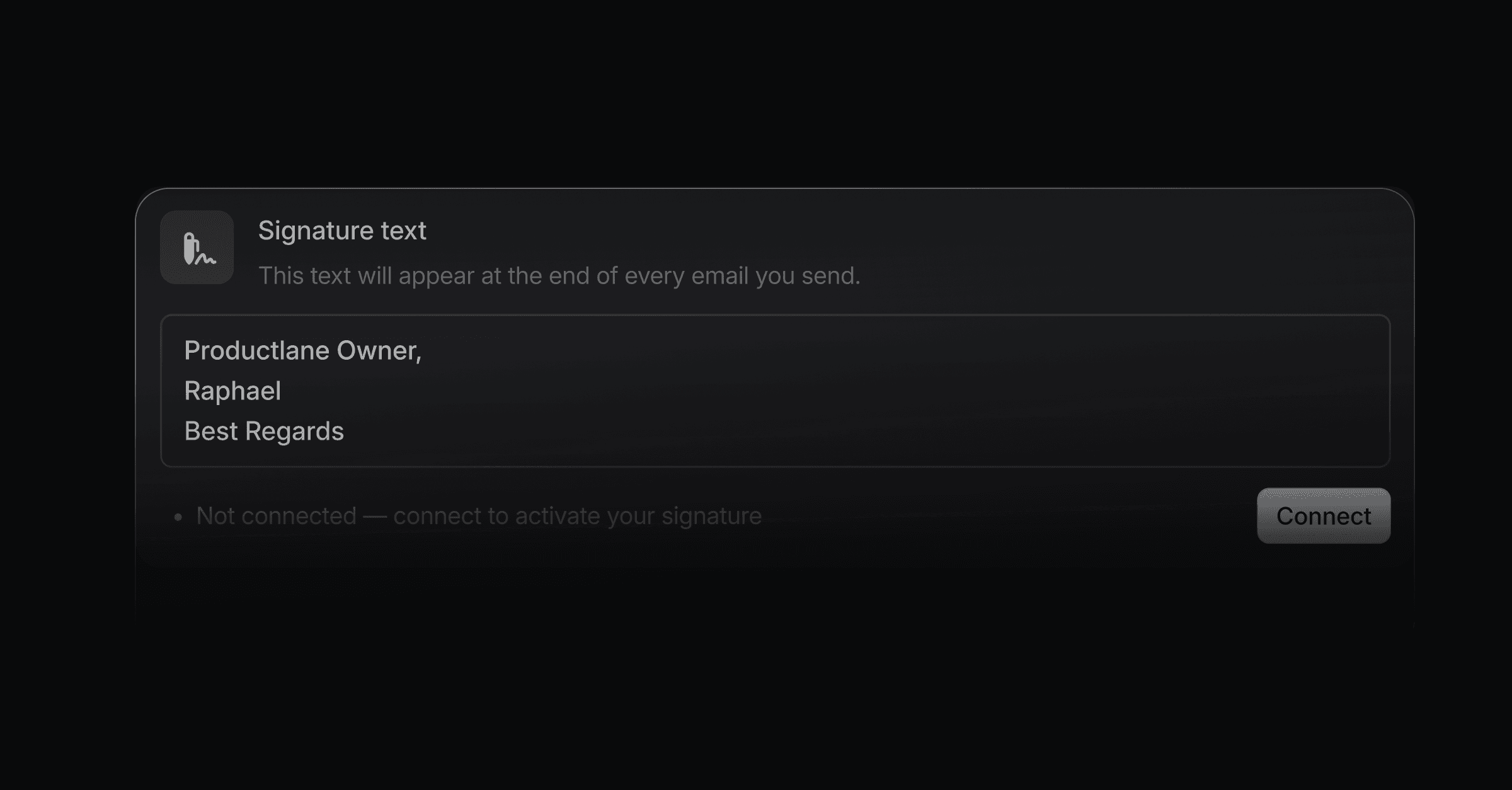
If you communicate with customers directly through Productlane, a signature lets them see who they are talking to. The signature editor supports rich formatting, so your signature can carry more than plain text: bold text, links, and images like a company logo or a linked social icon.
Open Signature settings directly, or go to Settings > Profile > Email signature. Signatures work on every paid plan.
Type your signature text in the editor.
Select any text to open the formatting bar, and make it bold, italic, or a link.
Upload an image, like your logo or a social media icon, straight into the editor.
Select the image and add a link to it, so your logo can open your website and a social icon can open that profile.
Your signature saves automatically as you edit it.
Add a link to your portal in your signature. Every reply then points the customer to their requests and your roadmap.
