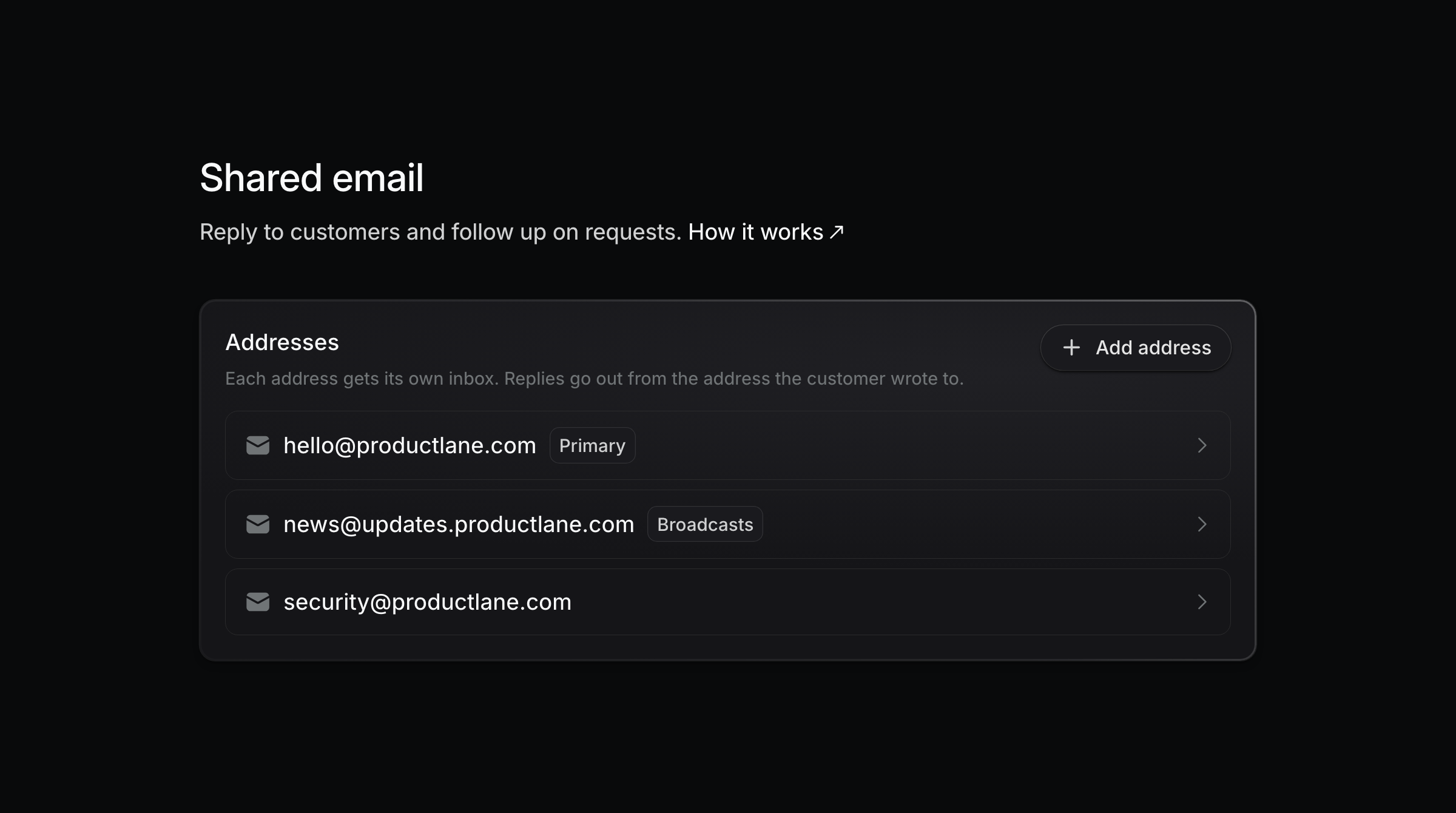
Connect several support addresses, such as hello@, security@, and billing@, and each one gets its own inbox. Replies go out from the address the customer wrote to.
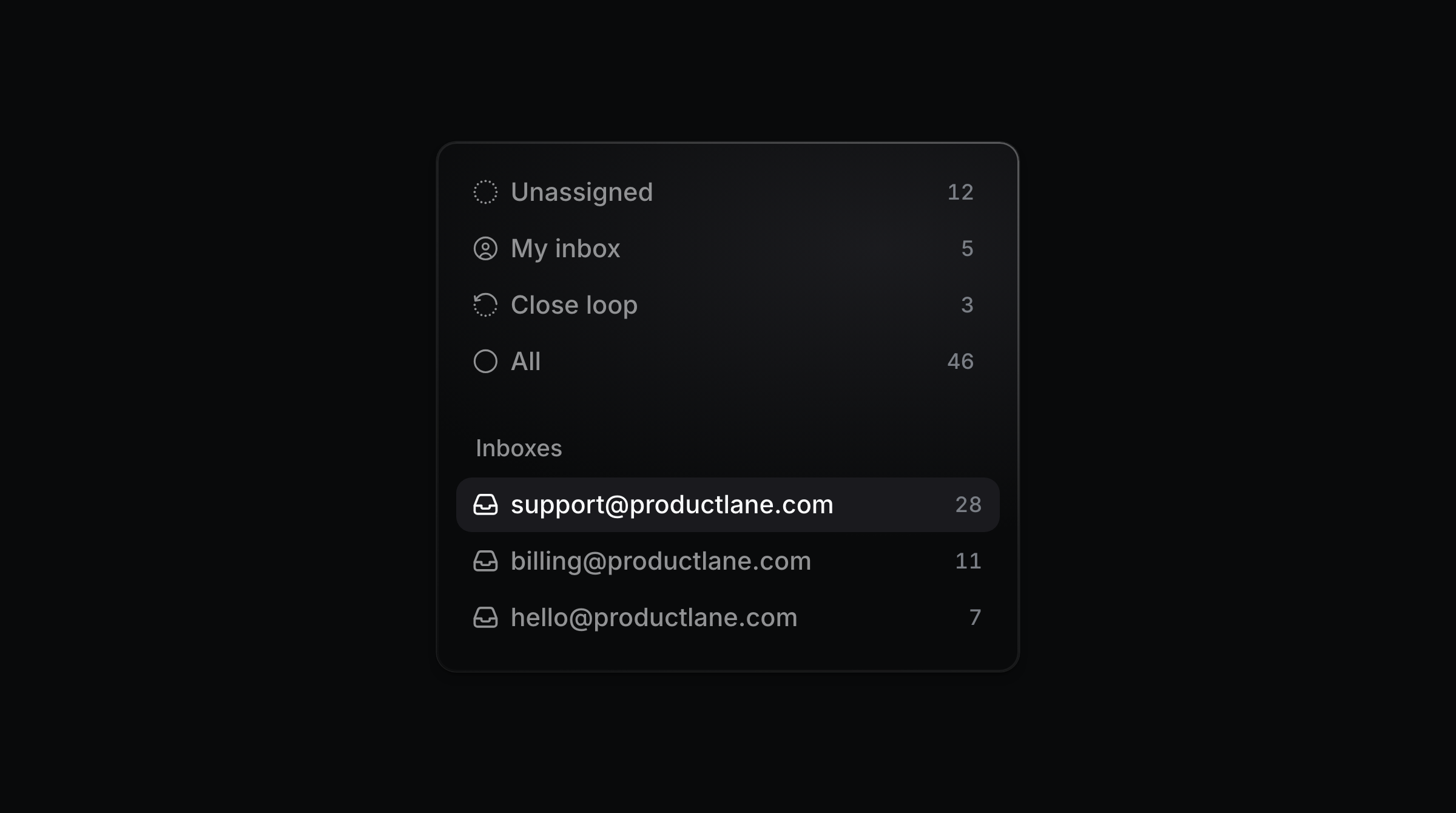
The sidebar lists every address under Inboxes, each with a live count of open threads. Click one to narrow the thread list to that address. Open, Snoozed, and Done stay in sync with it.
A reply defaults to the address the customer wrote to. Once a second address goes live, the composer shows a From picker. Send from another address and the thread moves to that inbox.
Each portal can have its own default sender address. Replies on that portal's threads and live chat emails from its widget go out from that address. A portal without one uses the workspace default.
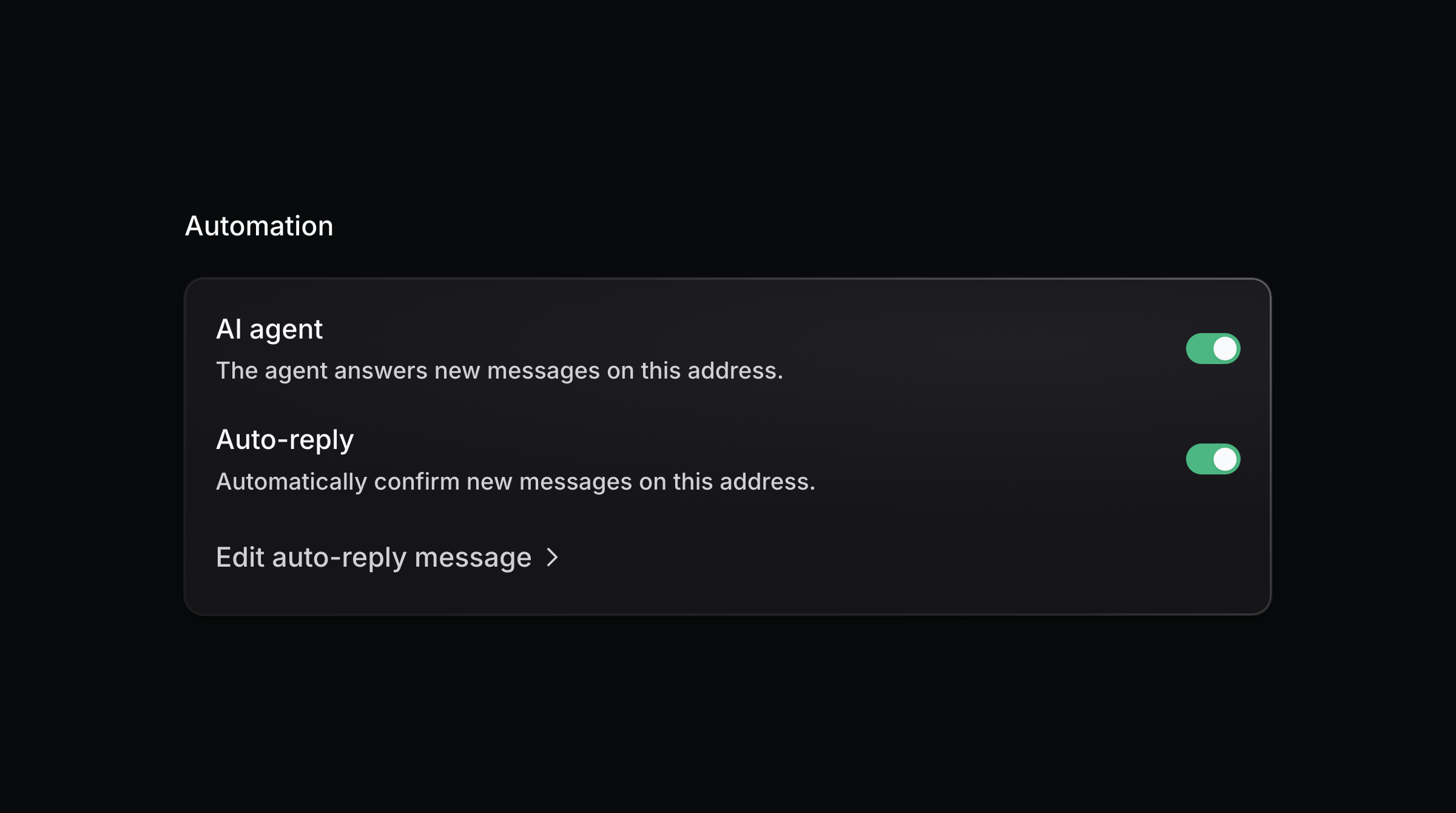
Open an address to set its AI agent switch, its auto-reply, and the auto-reply message it sends. Mark one address as the default sender for changelog broadcasts, or pick a different one per broadcast in the send modal.
Add [email protected] today and [email protected] tomorrow: subdomains and entirely new domains both work as new addresses. Type the full address under Settings > Email. On a domain you have already verified, it goes live right away.
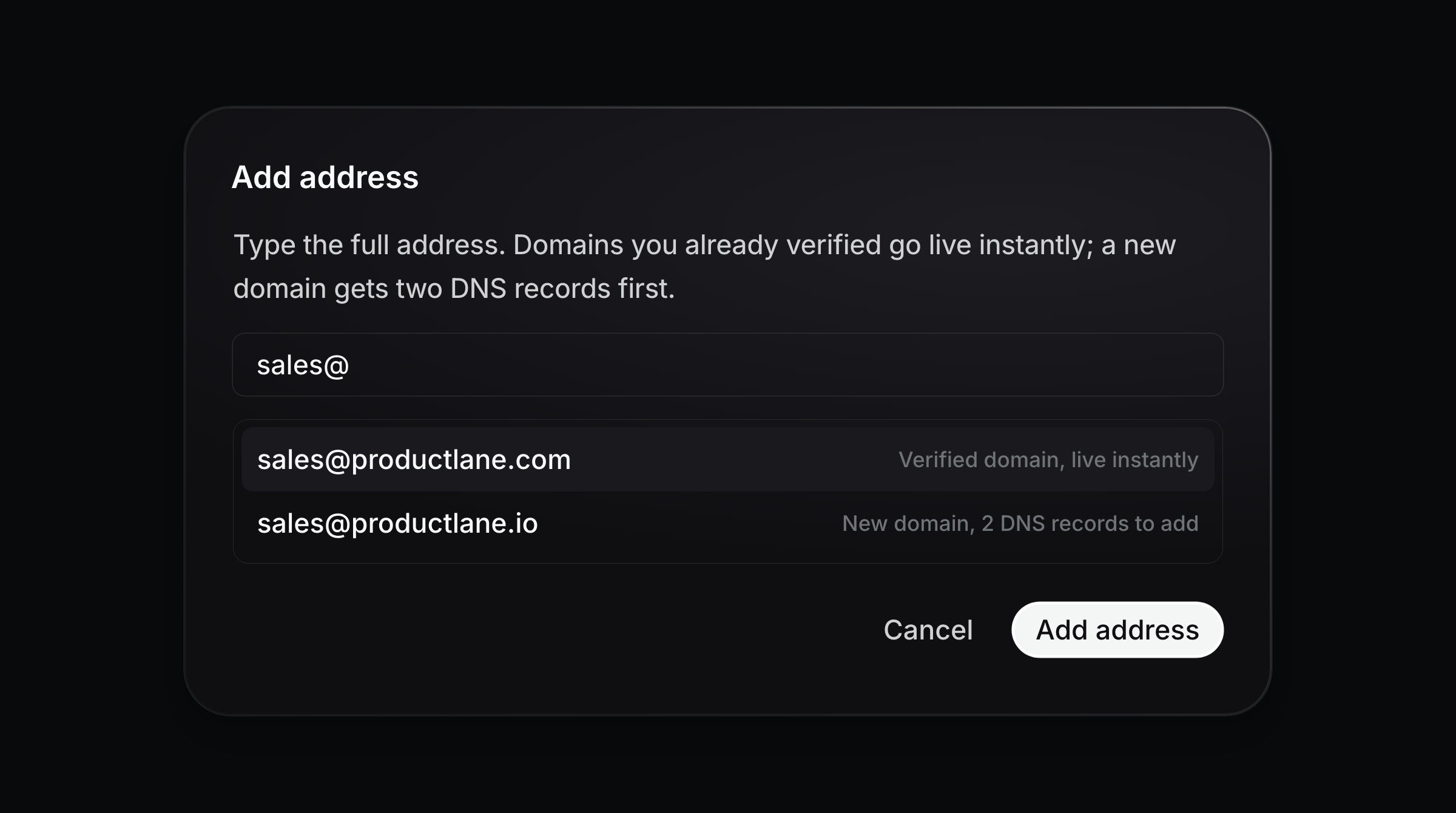
A new domain needs two DNS records, a TXT and a CNAME. Download for Cloudflare exports them as a file Cloudflare imports. Each address then shows the intake address your mail provider forwards to. See Shared Email for setup and forwarding.
Remove an address and mail forwarded to it stops arriving. Existing threads keep their history.
Starter: 1 address
Pro: 10 addresses
Scale and above: 25 addresses
Startup program: 3 addresses
